Have these ready
- This guide is for comma 3X only.
- Park safely and unplug the device before touching the SIM.
- Have Wi-Fi or a phone hotspot ready for activation.
comma 3XSIM replacement
Power off the device, insert the replacement SIM, connect to Wi-Fi, and give it time to activate.
Before you beginThis is a physical replacement guide for comma 3X. It is not an APN or modem-command guide, and it does not apply to comma four or older devices.
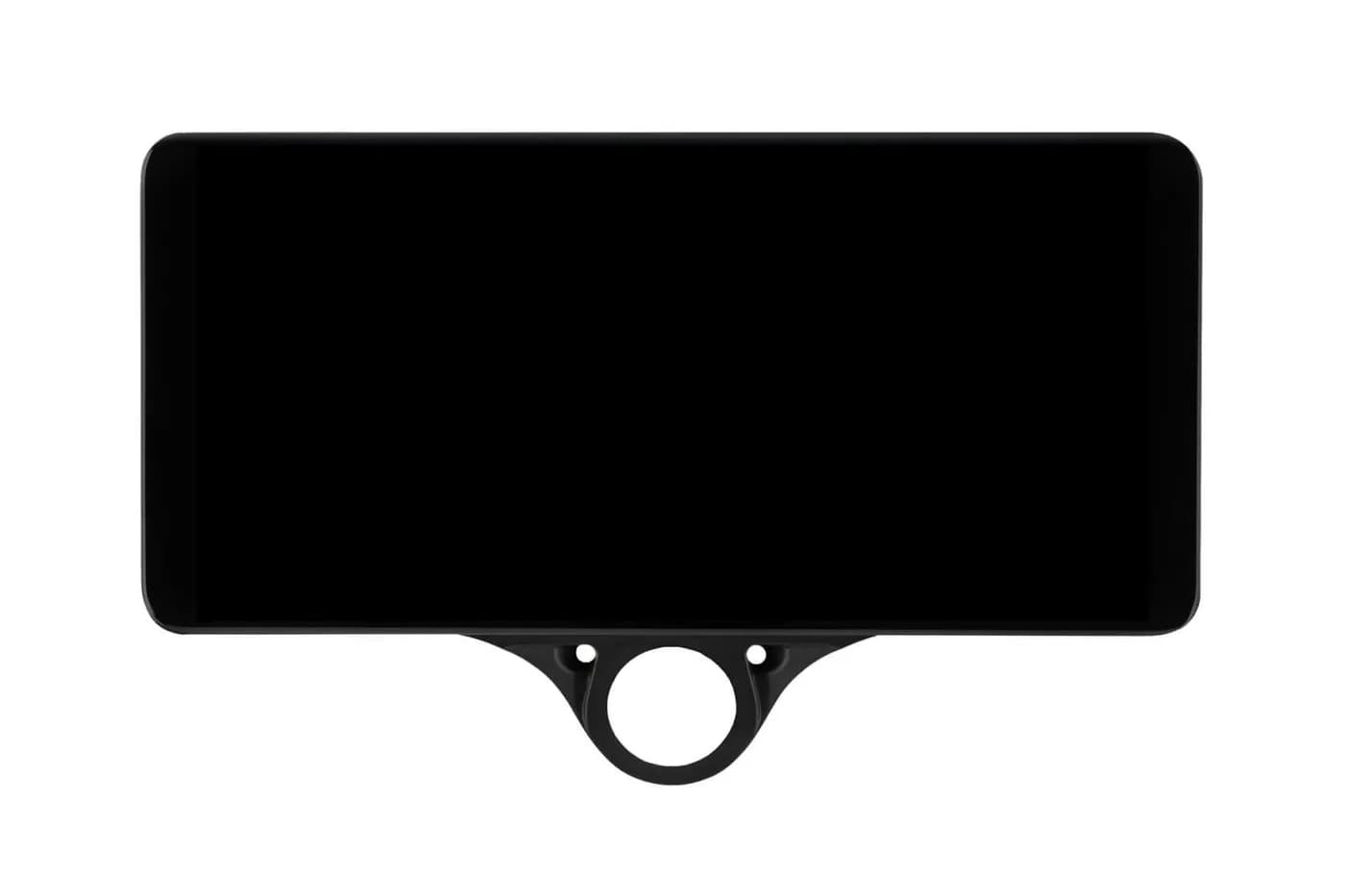
Step 1
Unplug the comma 3X. Push the old SIM to release it, then insert the new one with the metal contacts facing down until it stays recessed.
Step 2
Use trusted Wi-Fi or a phone hotspot. Keep the comma 3X powered and online while it activates.
Step 3
Allow about five minutes online and up to 30 minutes total. Restart the device if activation asks for it.
Keep it online for the full activation window, restart once, and check the device status again. Do not guess carrier settings or paste old modem commands into SSH.
Get official supportThis page only covers the published comma 3X replacement flow. Start with the current device guide or comma support instead of assuming another device works the same way.
Illustrated replacement and activation instructions.
Photos: comma.ai. CommaGuide is an independent guide and is not affiliated with comma.ai.
Was this guide helpful?