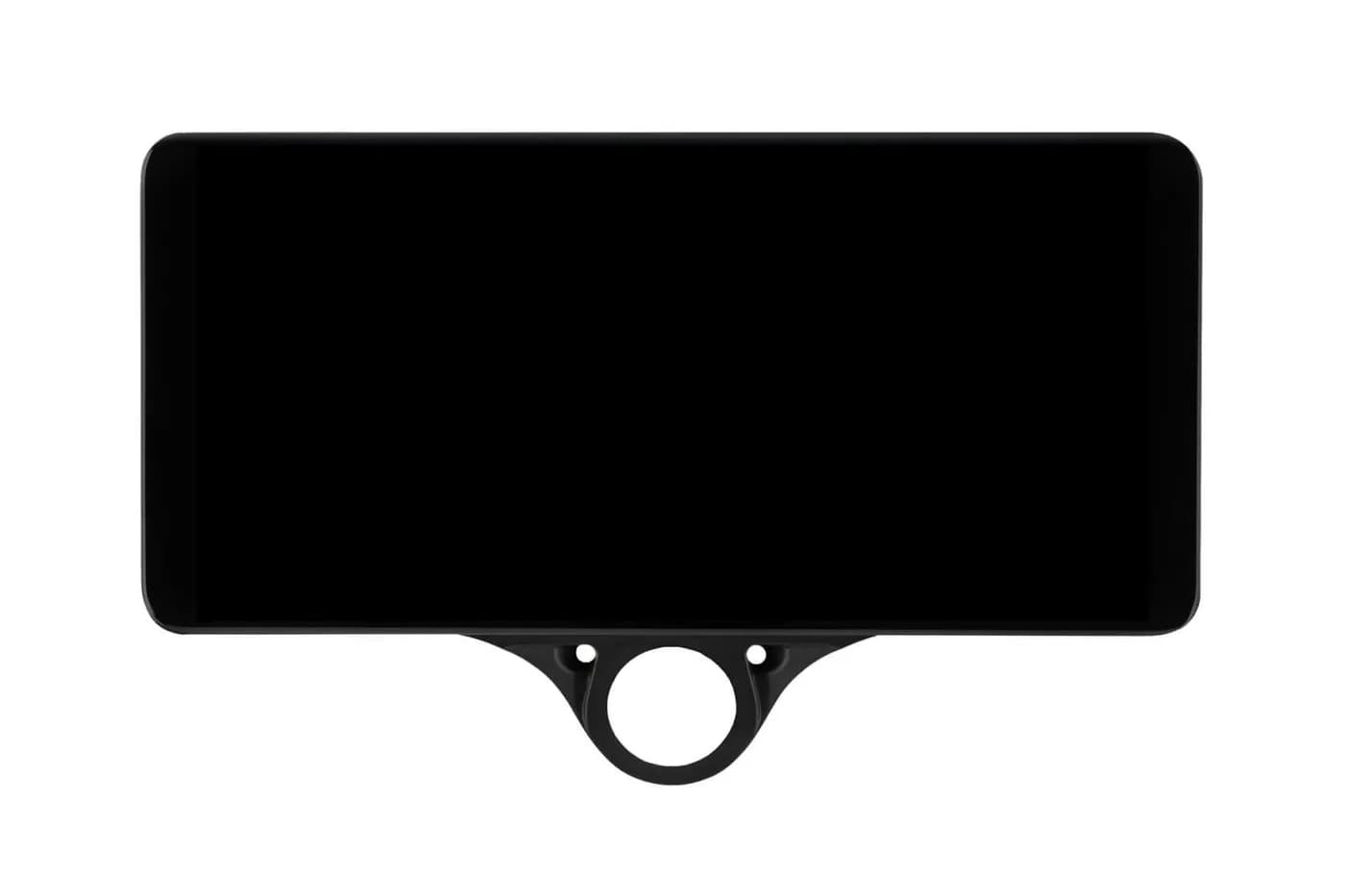
Getting Started with the Comma 3X/3
A guide for newcomers who want to get a Comma 3X/3 running quickly.
Install openpilot on your device. You can also choose to install a fork instead. Check out the fork comparison guide to decide which is right for you.
Driving Personalities
Fast acceleration, short following distance. Best for heavy traffic.
Balanced acceleration and following distance. The default profile.
Slower acceleration, longer following distance. Smooth highway cruising.
Some forks add extra profiles: FrogPilot includes Traffic Mode and sunnypilot includes Maniac Mode.
Key Features
Camera watches for attentiveness and alerts if you look away
Signal and the system assists with lane changes
What is the best fork?
Start with stock openpilot to learn the basics. Once you're comfortable, try multiple forks and compare. Check community Discords for real-world feedback.
Which fork lets me set following distance?
All major forks support following distance profiles: Aggressive (closest following), Standard (balanced), and Relaxed (most space). These profiles also affect acceleration behavior.
Are forks safe?
Major forks follow Comma's safety requirements and are comparable to stock openpilot. Some forks expose many tuning options — use reasonable settings and always stay attentive.
Is Comma AI / openpilot free?
Yes — after purchasing the hardware, openpilot is completely free. There is an optional Comma Connect subscription for cloud features like extended drive storage and navigation. Learn about Comma Connect