Who this is for
Left-hand-drive Tesla owners on sunnypilot who want steering to stay active when they brake.
comma fourcomma 3X
xnor wikiHardware and wiringAdvanced
Two extra wires into the comma harness plus a plug on the right A-pillar let sunnypilot keep steering on while braking.
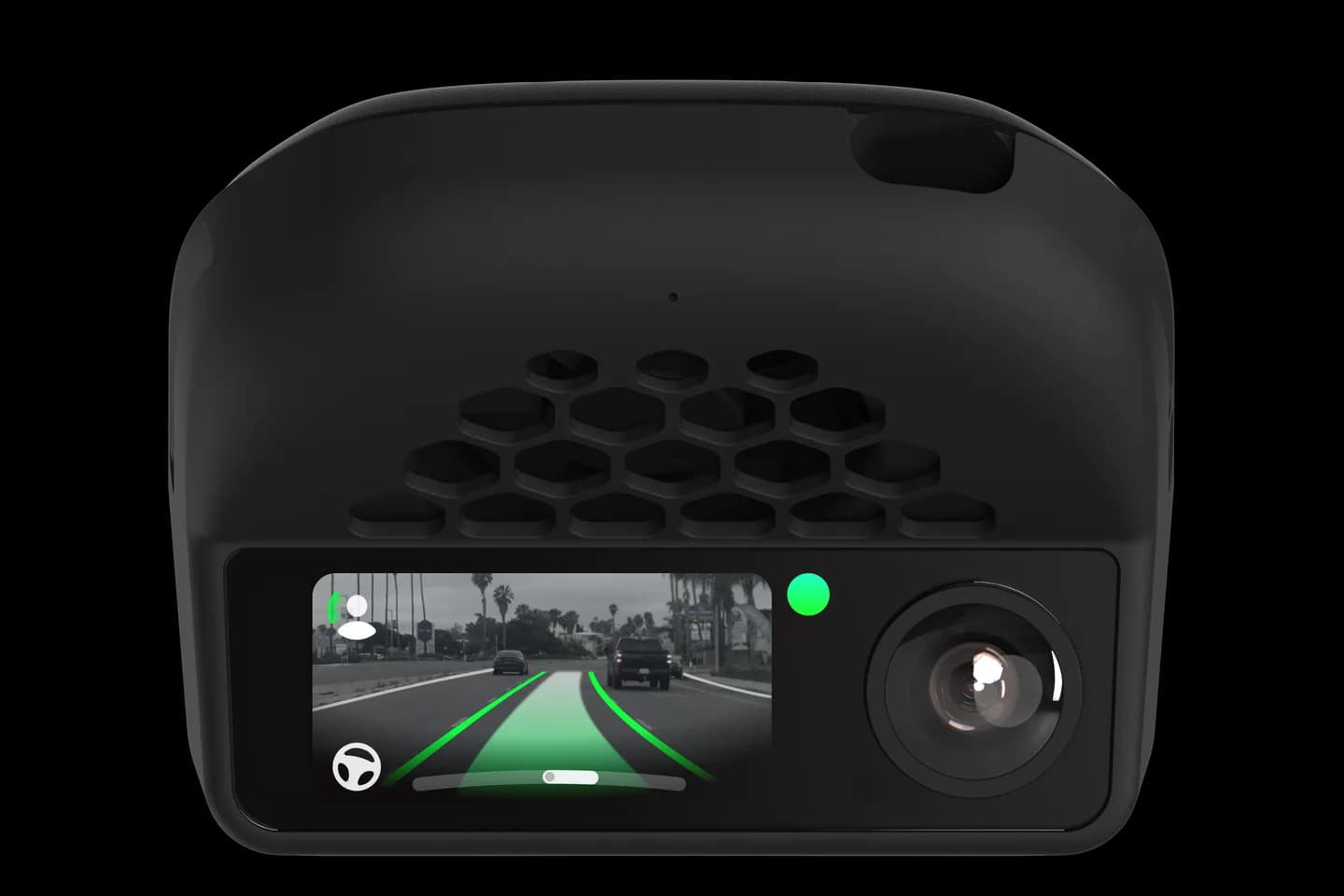
Left-hand-drive Tesla owners on sunnypilot who want steering to stay active when they brake.
On a Tesla, pressing the brake turns stock openpilot off completely, so you are stuck with one-pedal driving. This add-on cable adds two wires to the comma harness and plugs into the right A-pillar. With it, sunnypilot can keep steering on while you brake, engaged by a three-finger tap on the screen.
Insert the two extra terminals into your comma harness connector.
Remove the A-pillar trim panels to reach the diagnostic plug.
Plug the cable in and route it to the harness.
Enable the stay-on steering option in sunnypilot and use the three-finger tap.
The full written guide belongs to xnor wiki. Checked on September 10, 2026.
No; it is offered for left-hand-drive cars only. On RHD cars the cable would have to cross the whole car.
Yes; it fits the Tesla A and Tesla B harnesses from comma or xnor.shop.
No; steering and cruise work without it. It only matters for keeping steering active when braking on sunnypilot.
Check your car
Support changes by year and trim. Open your exact car before you buy anything.
Related
Check your exact car first, then choose software and hardware.
Photos: comma.ai. Guide content belongs to xnor wiki. CommaGuide is an independent guide and is not affiliated with comma.ai or xnor wiki.
Was this guide helpful?