
How to install IQ.Pilot
Install the stable release on comma four, comma 3X, or comma three. For clone devices, check the models named in the official release guide.
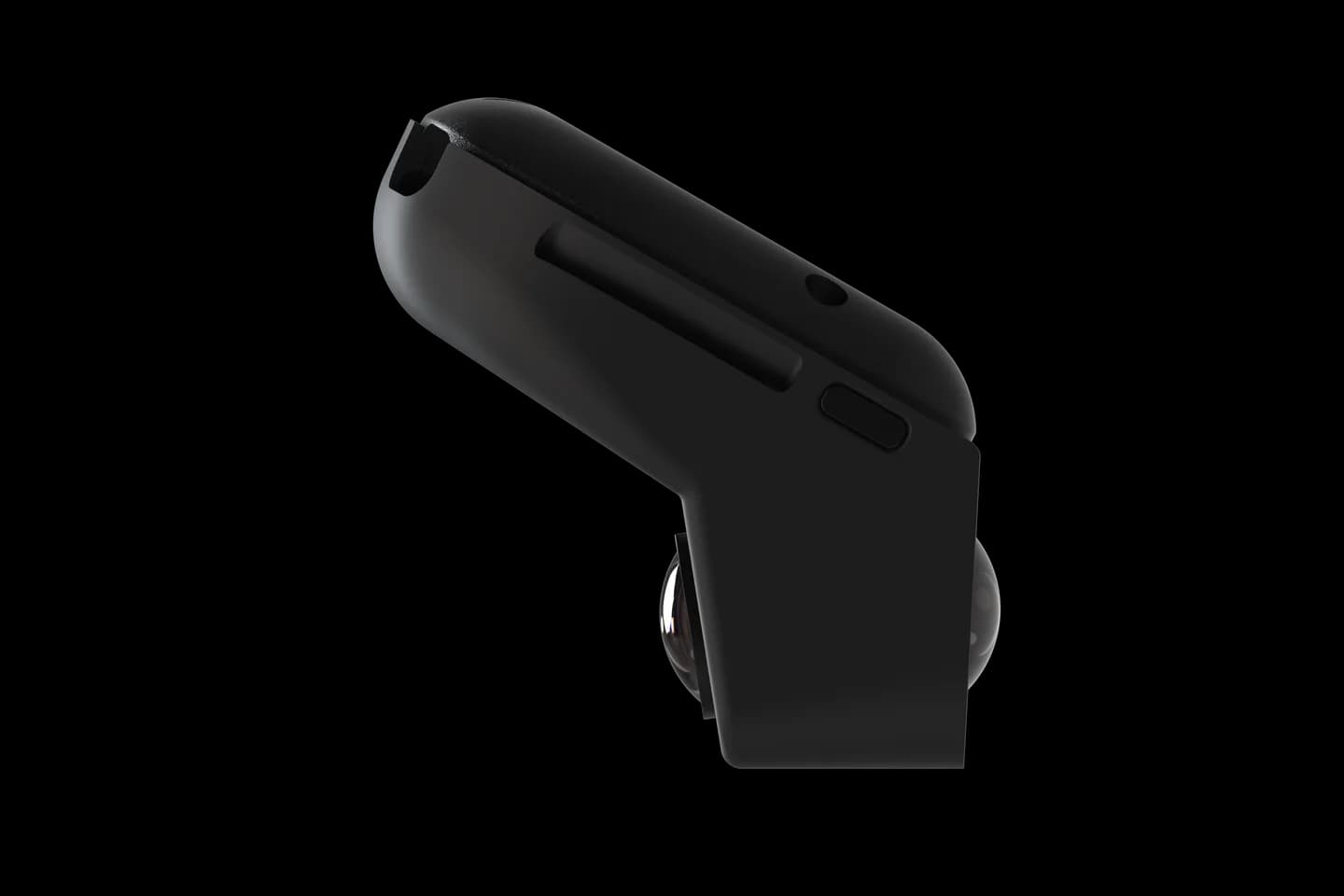
Before changing software, check your car’s year, equipment and harness.
Stable release
Enter this on the device
This is an on-device Custom Software address, not a page to open in a desktop browser.
installer.iqlvbs.com/releaseCopy the entire value exactly as shown.Three installation steps
Park and connect to Wi-Fi
Keep the vehicle parked and the comma device powered. Finish any current software's uninstall or reset flow first.
Choose Custom Software
On the comma setup screen, choose Custom Software instead of the normal openpilot option.
Enter the stable installer
Copy the value above, enter it exactly on the device, and follow the on-screen prompts.
After installation
Confirm the device shows IQ.Pilot and follow its on-screen setup. Explore IQ.Pilot settings before enabling unfamiliar options. Stay ready to steer or brake.
Official reference
Photos: comma.ai. Logos belong to their projects. CommaGuide is an independent guide.
Was this guide helpful?