Install guideStable 1.0c · release

How to install IQ.Pilot

One documented stable address for comma 3, comma 3X, comma four, and the named clone devices in IQ.Pilot's release guide.

Stable is the simple pathThe project labels release as Stable 1.0c and beta as pre-release. Its public documentation does not give Beta a separate installer, so this guide does not invent one.

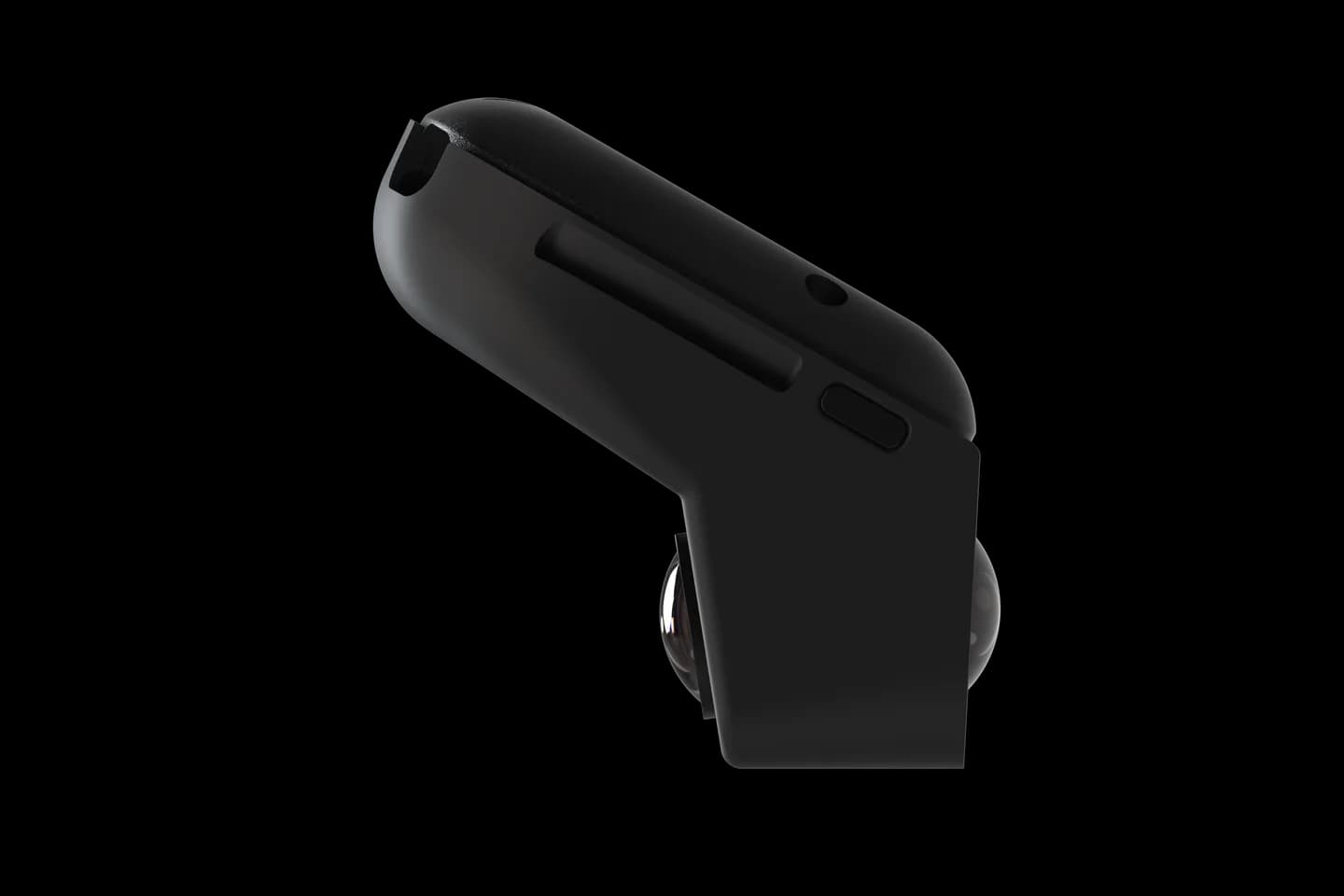
comma four from the side

Stable release

Enter this on the device

This is an on-device Custom Software address, not a page to open in a desktop browser.

Stable IQ.Pilot installerinstaller.iqlvbs.com/releaseCopy the entire value exactly as shown.

Parked setup

Four short steps

  1. Park and connect to Wi-Fi

    Keep the vehicle parked and the comma device powered. Finish any current software's uninstall or reset flow first.

  2. Choose Custom Software

    On the comma setup screen, choose Custom Software instead of the normal openpilot option.

  3. Enter the stable installer

    Copy the value above, enter it exactly on the device, and follow the on-screen prompts.

  4. Verify before driving

    Confirm IQ.Pilot started, select the correct vehicle, review its settings, and complete calibration while following the on-screen guidance.

Before driving

  • Confirm the device shows IQ.Pilot and the release channel.
  • Verify your exact car, trim, driver-assistance package, and harness.
  • Treat model downloads, eSIM, and Konn3kt features as optional setup, not proof of compatibility.

Know what is confirmed

IQ.Pilot's public source documents the installer and devices. Some Konn3kt-related components are proprietary and compiled, so this guide does not claim hidden remote settings or cloud behavior.

Quick answers

IQ.Pilot installation questions

What is the IQ.Pilot install URL?

comma 4 / 3X / 3: installer.iqlvbs.com/release

How do I install IQ.Pilot?

Park the car and connect the comma device to Wi-Fi. Remove the current software. Choose Custom Software and enter the IQ.Pilot URL shown here. Finish every on-screen step before you drive.

Will IQ.Pilot work with my car?

IQ.Pilot device support does not prove support for a specific car. Check the exact year, trim, driver-assistance package, and harness before installing.

Choose with context

Device support does not prove that every car configuration is supported. Check your car, then compare IQ.Pilot's documented features with the alternatives.

Official reference

Photos: comma.ai. Logos belong to their projects. CommaGuide is an independent guide.

Was this guide helpful?