
Before driving
- The device identifies the expected car and software.
- The mount is secure, centered, and does not block either camera.
- You understand that openpilot is driver assistance and you must stay ready to take control.
Check your car first, install the hardware, then use the current release installer while parked.
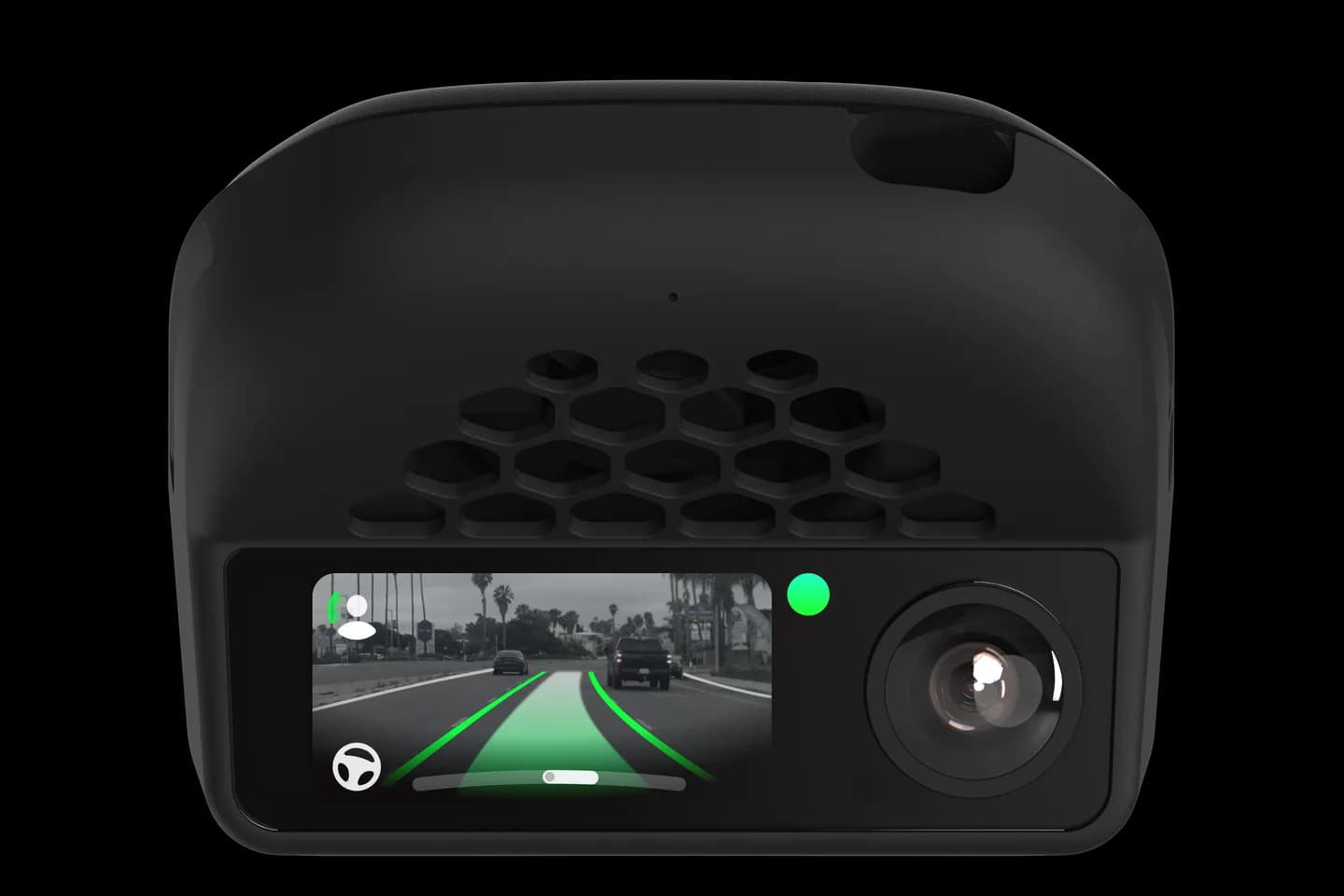
comma four or comma 3X
Enter this on the comma device's Custom Software screen, not in a desktop or phone browser.
openpilot.comma.aiCopy the entire value exactly as shown.Chestnut · comma four
For comma four connected to Chestnut. Use the dedicated installer below.
installer.comma.ai/commaai/release-chestnutEnter this on the comma four Custom Software screen.Find your exact year and equipment in the car directory, including the required harness.
Keep the car parked and follow comma’s hardware setup guide for the mount, harness and connections.
On the comma software setup screen, choose Custom Software and enter the release value shown above.
Let installation complete, follow every on-screen prompt, and finish the required calibration flow.
Follow the current uninstall path first, then return to the normal setup screen.
Open uninstall guideYou get $50 off; CommaGuide gets $50 after a qualifying purchase. Terms apply.
Staging and development branches contain unfinished changes. The installers above are for released software.
Official references checked August 24, 2026.
Photos: comma.ai. CommaGuide is an independent guide and is not affiliated with comma.ai.
Was this guide helpful?