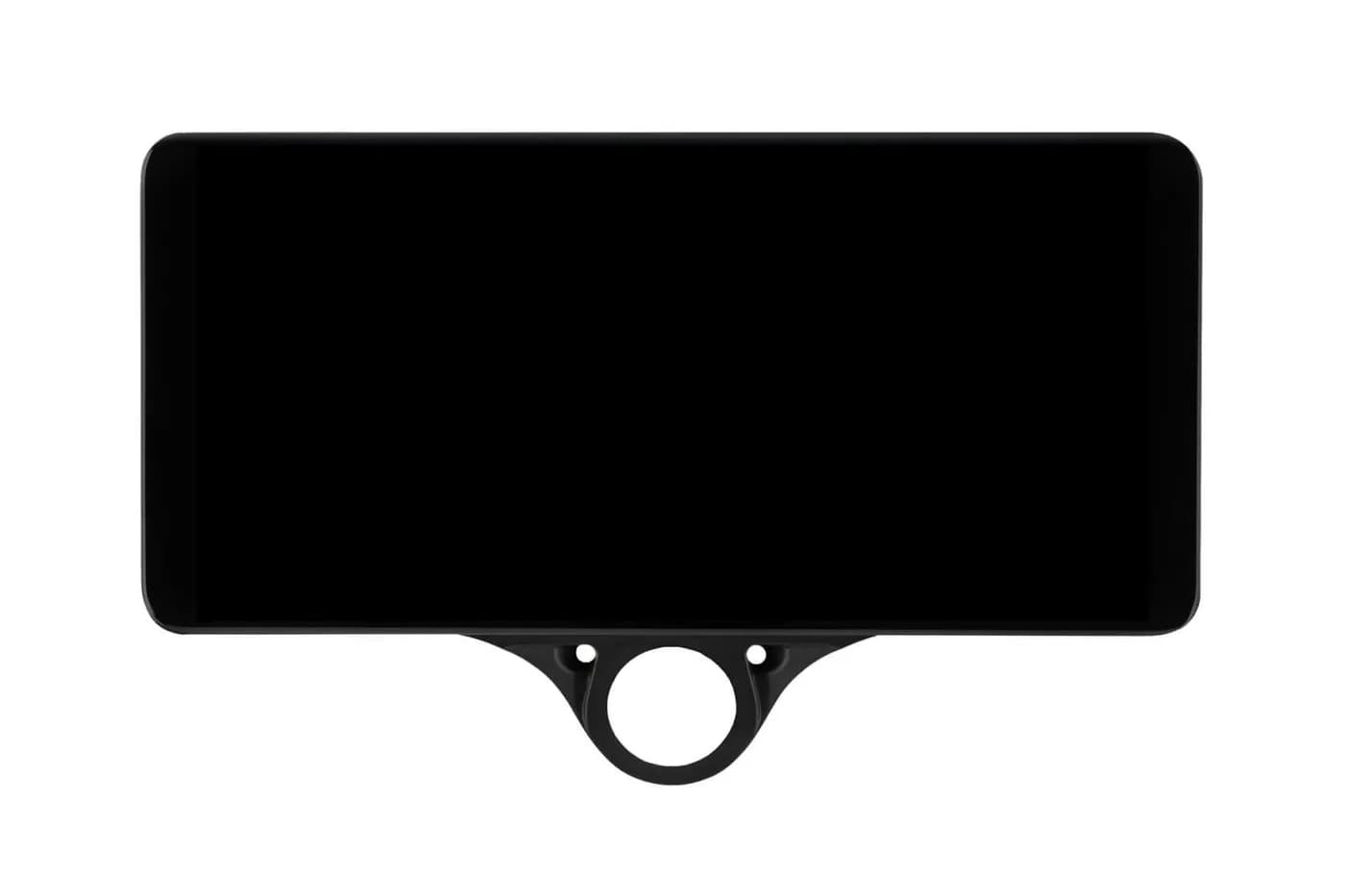
Stable release
comma 3 · For everyday use
opgm/releaseEnter this under Settings → Software → Custom Software on the comma device. Do not open it in a browser.Install guidecomma 3
Copy the current OPGM install URL, then complete setup while parked.
Checked against the projectThe value below comes from the official OPGM instructions. Check your exact car before installing.

OPGM install URL
comma 3 · For everyday use
opgm/releaseEnter this under Settings → Software → Custom Software on the comma device. Do not open it in a browser.Parked setup
Keep the car parked and the comma device powered for the full installation.
Use Settings > Software > Uninstall. Wait for the device to return to setup.
Enter the exact install value shown above. It belongs on the comma device, not in a phone or computer browser.
Confirm the project name, select the correct car, review the settings, and finish all on-screen steps.
Install values can change. Use the project source when you need the newest release note or help from its community.
Open official instructionsQuick answers
comma 3: opgm/release
Park the car and connect the comma device to Wi-Fi. Remove the current software. Choose Custom Software and enter the OPGM URL shown here. Finish every on-screen step before you drive.
OPGM device support does not prove support for a specific car. Check the exact year, trim, driver-assistance package, and harness before installing.
Check your exact car before installing. Device support alone does not cover every year, trim, package, or harness.
Logos belong to their projects. CommaGuide is an independent guide.
Was this guide helpful?