Set up or fix a comma device.
Start with the steps below. Already set up? Jump to fixes and tools.
Something not working? Find a fix →From the box to your first drive
Before you start, check your exact car and parts.
- Check the box. Match the device, car connection kit, and any extra parts to your car’s list.
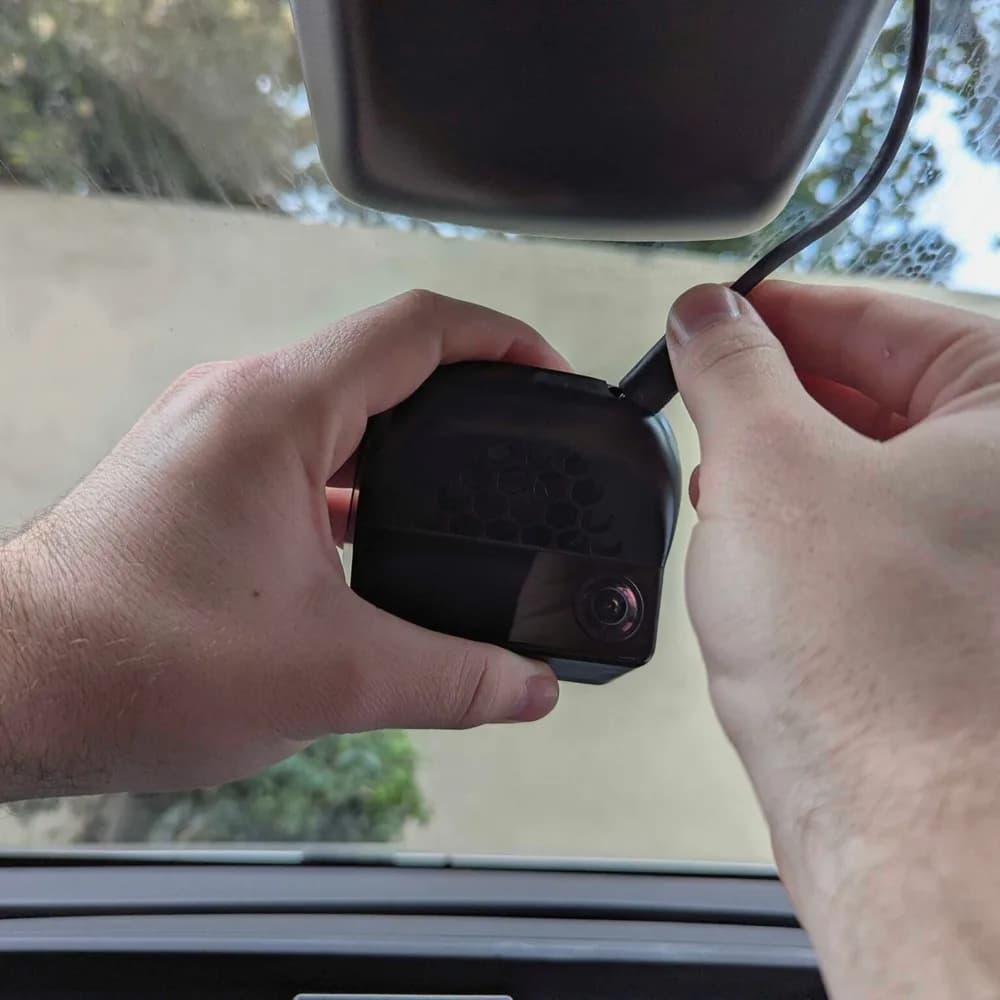
- Mount and connect it while parked. Follow comma’s instructions for your car.
- Install the driving software. For comma 4, start with the official openpilot guide.
- Learn the controls. Read the warnings and how to take over. Then follow the guide for calibration and your first drive. Keep watching the road.
More setup tasks
Choose your comma devices
Using
Choose your comma devices
Keep the same device selection while moving between setup and comparison pages.
Share or continue
https://commaguide.com/setup/?device=comma-4This URL preserves the selected devices and matching rule.Fixes and tools
Phone and web apps for commaCompare sunnylink, Konn3kt and local fork tools, then find setup help.SSH into your comma from a laptop or phoneTurn on SSH in Developer settings, add your GitHub username, and connect as user comma on port 22.Install a fork over SSH when the installer failsRemove the old folder, download the fork's branch, and reboot, with the safe order and recovery paths.Your first drive with openpilot: calibration and the screenCalibration, what the comma four and comma 3X screens show, lane changes, and the driver-monitoring warnings.Car Unrecognized? Pair comma connect and send your car's firmwareWhat the dashcam message means, the quick nightly-dev test, and how to send your car's firmware so support gets added.How to Install comma Chestnut: URL and StepsCopy the checked stable installer and follow the hardware, airflow, power, USB, and parked setup steps for comma four.Fix dashcam mode on comma 3X or comma threeCheck the exact car, rule out custom software, and follow the right next step when driving features stay unavailable.How to Uninstall Comma 3X SoftwareHow to fully uninstall comma 3X software. Engine must be off first.Fix comma two Wi-Fi troubleIdentify a Wi-Fi, internet, or old-installation problem and choose a safer next step.Use OpenPilot Toolkit (OPTK)Get OPTK from its official project and connect to your own device carefully.Community fixes and how-to guidesPlain summaries of the best community guides, each with a direct link.
CommaGuide is an independent guide, not affiliated with comma.ai.