You stay responsible.
Watch the road. Be ready to steer and brake. Driver assistance can make mistakes.
Comma AI for Dummies · Beginner guide
A small device on your windshield that helps steer compatible cars. Learn what it does, check your car, and see what you need.
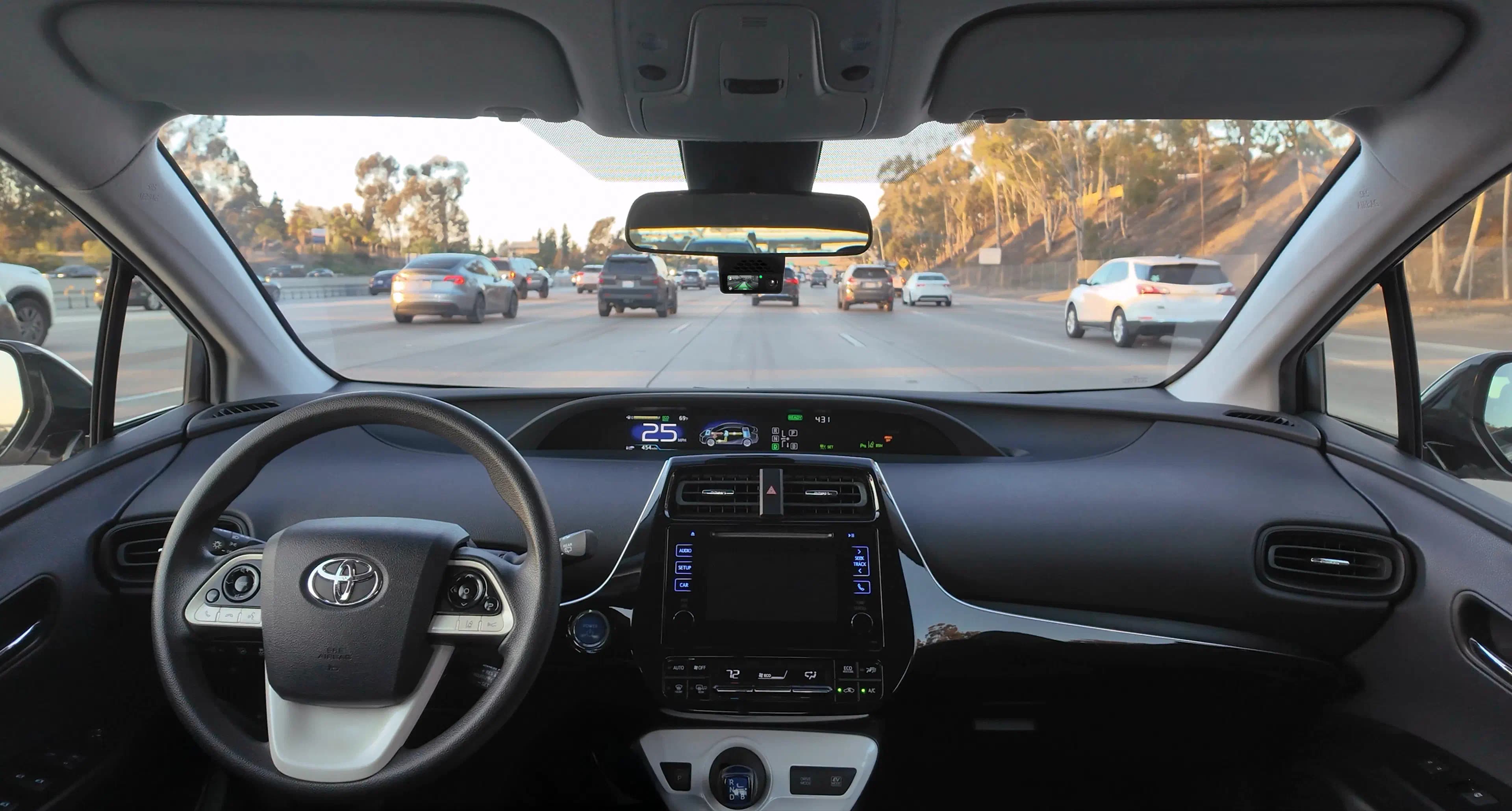
comma adds driver assistance to specific supported cars. It does not turn your car into a self-driving car.
Watch the road. Be ready to steer and brake. Driver assistance can make mistakes.
Steering, speed control, required parts, and supported years vary by configuration.
Understand standard openpilot before choosing optional hardware or community software.
comma four is the hardware. openpilot is the driver-assistance software. It can help with steering and speed on supported cars, with limits.
Match the model, year, and required equipment. A similar name or a different year is not a match.
You need the device and the right connection kit for your car. Check for any extra parts before paying.
Follow the official mounting and car connection instructions. Then install the software and learn how to take over before driving.
Listed starting price: $999 USD. Select your car to confirm the total, including any extra parts, shipping and taxes.
Shop checked September 16, 2026. No paid subscription is required for the basic setup.
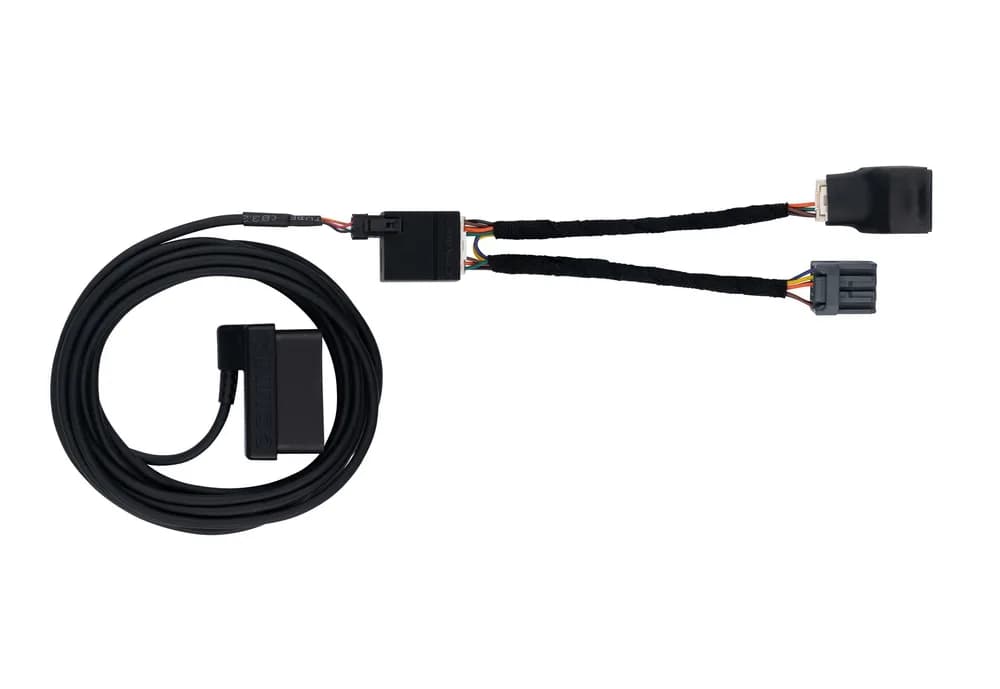
The standard setup uses guided device installation. You still need to follow the instructions for your exact car, hardware, and software.
A harness is the car-specific cable assembly used to connect the device. Choose the one listed for your exact car configuration.
A fork is a community version of openpilot with its own features, support, and installation instructions. It is a separate software choice.
Only after checking that the exact car, year, equipment, device, and software match. A video is not a compatibility check.
Check the exact car requirements first. Then see the current comma four offer and the correct harness at comma.ai.
Referral disclosure: eligible new customers get $50 off. CommaGuide gets $50 after a qualifying purchase. Terms apply.
Was this guide helpful?