
Who this is for
New comma four owners doing their first install.
comma four
comma.aiInstall softwareEasy
Pop the mirror trim, plug the harness into the camera, stick the mount high and centred, connect the cable, replace the trim.
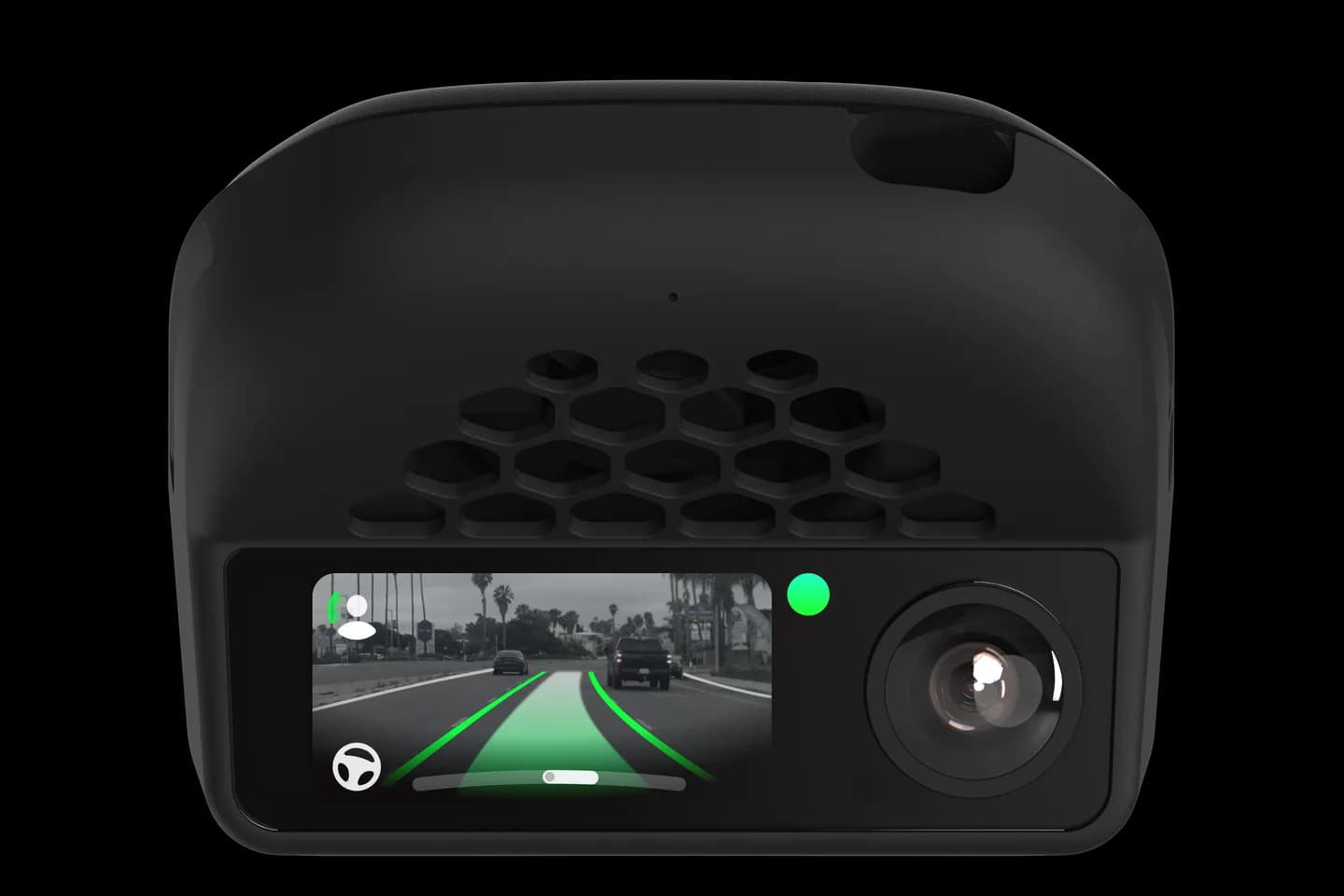
New comma four owners doing their first install.
Fitting a comma four is the first job every new owner faces, and most cars take about fifteen minutes. This official comma guide walks through removing the mirror trim, plugging in the harness and sticking the mount straight. Pick your car in the page and you get install notes written for that exact model.
Remove the trim around the rear-view mirror.
Plug the harness between the camera and its factory connector.
Clean the glass and stick the mount high and centred.
Connect the cable and seat the device in the mount.
Refit the trim and optionally pair with comma connect.
The full written guide belongs to comma.ai. Checked on September 10, 2026.
Usually no; the trim pops off by hand and the alcohol wipe is in the box. Some cars need a firm tug or a slide, so watch a video for your make first.
The install makes no permanent changes, and comma cites US law on aftermarket parts. Removing the device leaves the car as it was.
Small errors are corrected during calibration, but a mount far off centre stops the car sitting in the middle of the lane.
Related
Check your exact car first, then choose software and hardware.
Photos: comma.ai. Guide content belongs to comma.ai. CommaGuide is an independent guide and is not affiliated with comma.ai or comma.ai.
Was this guide helpful?