
Who this is for
comma four buyers deciding on sunnypilot, and owners wondering where a setting went.
comma fourcomma 3Xcomma three
sunnypilotUse a featureEasy
Most settings work on comma four but are set through sunnylink; a few on-road visuals only exist on comma 3X.
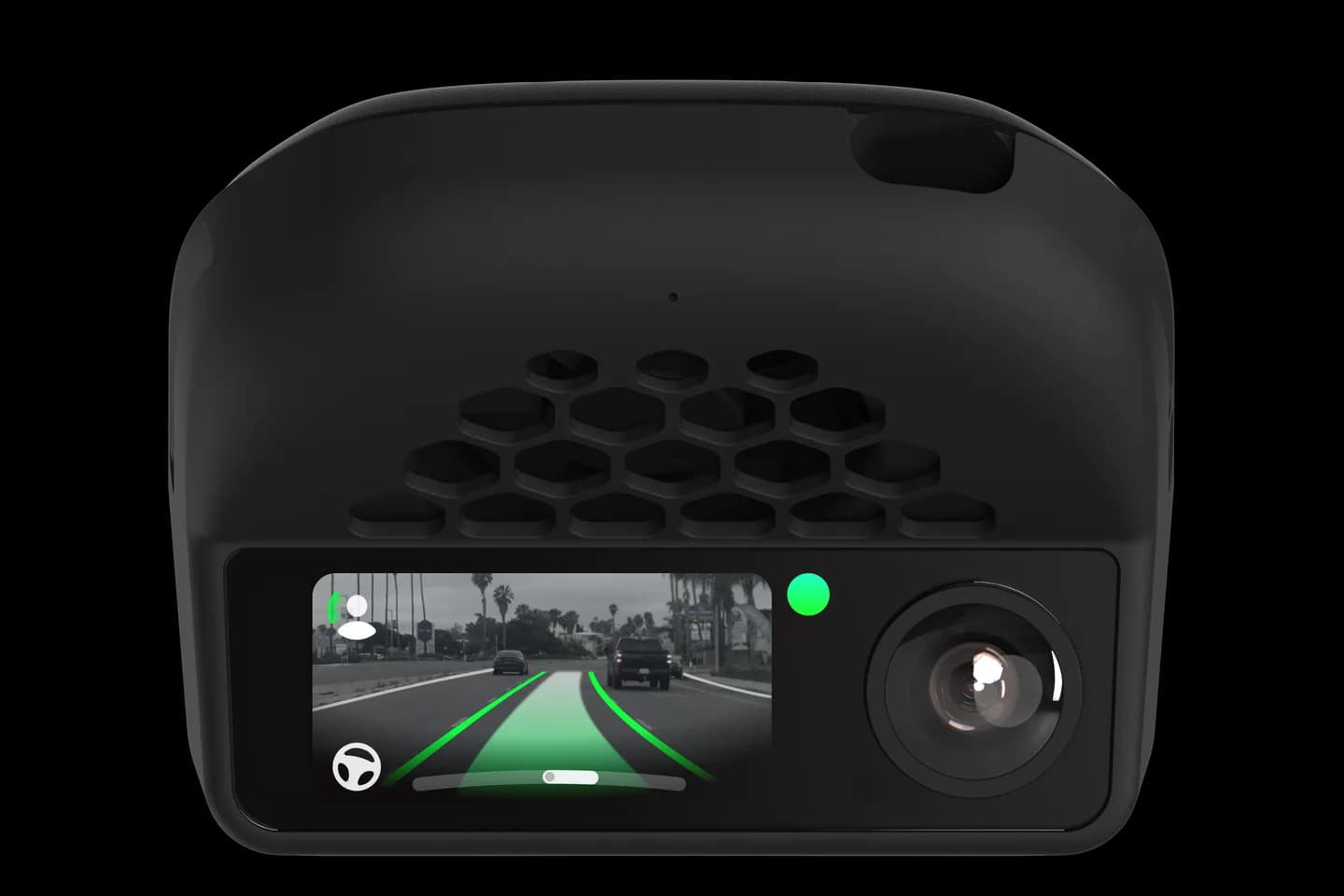
comma four buyers deciding on sunnypilot, and owners wondering where a setting went.
Buyers of a comma four often ask why sunnypilot shows fewer settings than on a comma 3X. This page explains the three levels: on the screen, only through sunnylink, and not possible on comma four. Knowing them saves you hunting for a toggle that lives in the web app or does not exist.
Learn the three levels: on screen, sunnylink only, and comma 3X only.
Find the panel you need in the table.
Open sunnylink for anything hidden from the comma four screen.
Accept that the listed on-road visuals will not appear on comma four.
The full written guide belongs to sunnypilot. Checked on September 10, 2026. Their last update was March 13, 2026.
The sunnypilot web and phone app for changing settings remotely. On comma four it is where most panels live.
On-road visuals like the standstill timer, road name, true speed display and the developer overlay. They need screen code the comma four lacks.
No; driving features work on both devices. Only some on-screen extras are missing.
Related
Check your exact car first, then choose software and hardware.
Photos: comma.ai. Guide content belongs to sunnypilot. CommaGuide is an independent guide and is not affiliated with comma.ai or sunnypilot.
Was this guide helpful?