
Who this is for
Hyundai, Kia or Genesis owners already running sunnypilot who want to know what to switch on.
comma fourcomma 3Xcomma three
sunnypilotUse a featureEasy
The Vehicle panel holds speed tuning, radar module detection, speed-limit sources, the LDA button behaviour and the non-SCC list.
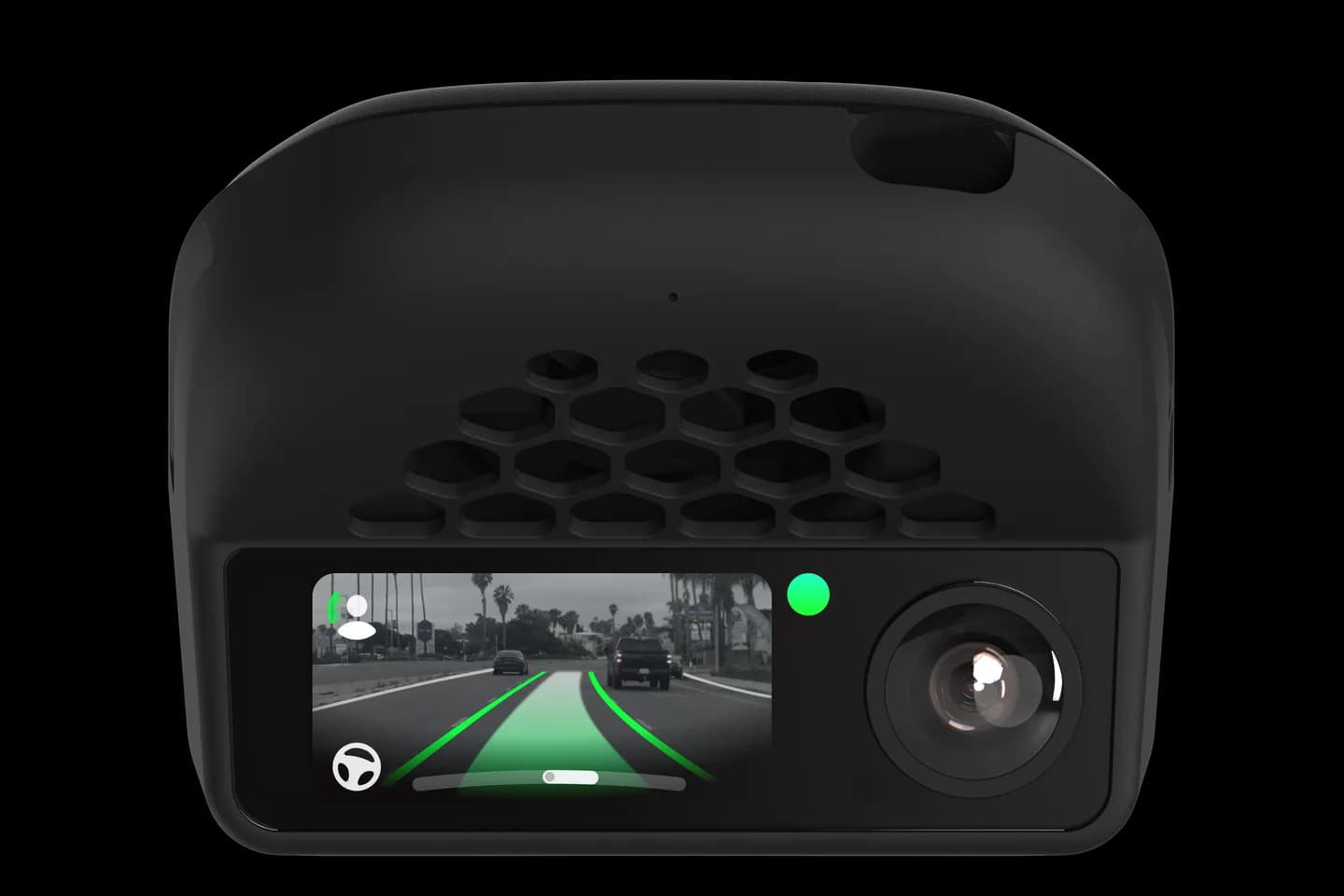
Hyundai, Kia or Genesis owners already running sunnypilot who want to know what to switch on.
The sunnypilot Vehicle panel for Hyundai, Kia and Genesis holds settings most owners never find. This page explains speed tuning profiles, the radar module check, speed-limit sources and the LDA button behaviour. It also names the cars without smart cruise that get steering only.
Open Settings then Vehicle on the device or in sunnylink.
Pick a speed tuning profile if the alpha speed control is on.
Check the speed-limit sources your car provides.
Read the notes for the LDA button and cruise button handling.
Check the steering-only list if your car has no smart cruise.
The full written guide belongs to sunnypilot. Checked on September 10, 2026. Their last update was April 18, 2026.
Settings then Vehicle on a comma 3X, or in sunnylink on a comma four. It appears once the car is recognised.
Off keeps default tuning, Dynamic feels sportier and Predictive smoother. They only apply when alpha speed control is on.
The LDA button, the physical lane-following button. The LKAS button is not supported for this on these cars.
Check your car
Support changes by year and trim. Open your exact car before you buy anything.
Related
Check your exact car first, then choose software and hardware.
Photos: comma.ai. Guide content belongs to sunnypilot. CommaGuide is an independent guide and is not affiliated with comma.ai or sunnypilot.
Was this guide helpful?