Fix guidecomma fourcomma 3X

Install a fork over SSH when the installer fails

The on-device installer and the SSH route do the same thing: put the fork in /data/openpilot and reboot. SSH shows you why it failed.

Parked only. Installing, resetting, or rebooting happens with the car off and the device on power.

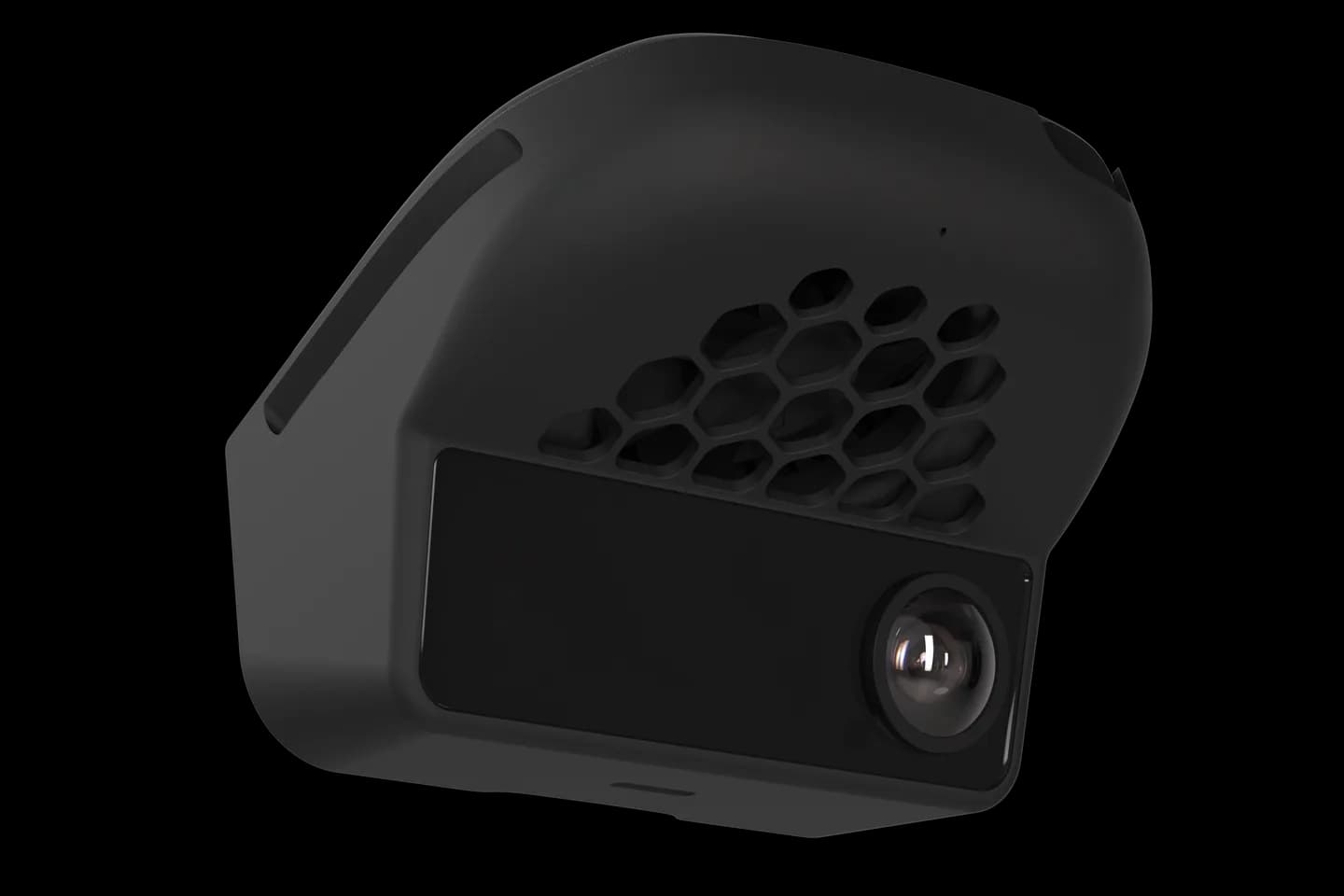
comma four seen from an angle

Before SSH

Four things to try first

  1. Check the address you typed

    Custom Software wants owner/branch, for example sunnypilot/release-mici. A typo gives a failed install, not a warning.

  2. Check Wi-Fi and storage

    The installer downloads the whole fork. Weak Wi-Fi or a nearly full device makes it stop partway.

  3. Try once more after a reset

    Settings, Software, Uninstall wipes the software and returns you to the setup screen. Enter the address again.

  4. Then use SSH

    If the installer still fails, the SSH route below does the same job by hand and shows you the error.

The SSH route

Install the fork by hand

This is the pattern every fork's own SSH guide follows. Use the exact address and branch from the fork's page.

  1. Park, plug in, and connect over SSH

    Use our SSH guide. The car must be off; installs and reboots only happen while parked.

    SSH guide
  2. Move into /data and remove the old folder

    The software lives in /data/openpilot. Removing it does not touch your drives or settings.

  3. Download the fork into that folder

    Clone the fork's branch with its submodules into a folder named openpilot. Big forks take several minutes.

  4. Pull large files if the fork uses them

    sunnypilot asks for a git lfs pull inside the folder. Skip it only if the fork's guide says so.

  5. Reboot and wait

    The device starts the new software on its own. The first boot compiles and can take a while.

The pattern, with placeholders
On the device over SSH
Destructive reinstall
Copy disabled
cd /data
rm -rf openpilot
git clone -b <branch> --recurse-submodules --depth 1 <fork address> openpilot
cd openpilot
git lfs pull
sudo reboot

Fill in the fork address and branch from the fork's own guide before you run it.

If it will not boot

Reset from the setup screen: tap the screen during boot on a comma 3X, or use the reset gesture on a comma four. That erases the software and your data.

For a device that never reaches setup, restore the factory system from a computer at flash.comma.ai, then install stock openpilot before any fork.

Keep it safe

  • Know a branch that worked before, so you can go back.
  • Never mix files from two forks in one folder.
  • Do not unplug during the first boot.
  • Ask the fork's own Discord before anything the guide does not cover.

In plain words

What the installer does behind the screen

Custom Software turns owner/branch into installer.comma.ai/owner/branch, downloads that branch into a temporary folder, moves it to /data/openpilot, writes a small start file, and reboots. On a comma four it also maps old branch names to the comma four release.

Quick answers

Questions people ask

Which fork branch should I use?

The branch the fork lists for your device. sunnypilot uses release-mici for comma four and release-tizi for comma 3X.

Do the commands differ on comma four and 3X?

No. Both run AGNOS with the same folders, user, and port. Only the branch name changes.

Will I lose my drives?

Removing /data/openpilot keeps recordings and settings. A full reset or a reflash erases them.

It still will not boot. Now what?

Reset from the setup screen, or restore the factory system at flash.comma.ai from a computer. Then install stock openpilot first.

Is this the same as the installer?

Yes. The on-device installer also downloads the branch into /data/openpilot and reboots. SSH just lets you see what failed.

Sources for this guide

The command pattern is sunnypilot's documented SSH method; the installer behaviour and reset paths come from openpilot 0.11.1 and comma's support page. Checked September 11, 2026.

Pick your fork's own guide

Every fork documents its exact address and branch names.

Photos: comma.ai. CommaGuide is an independent guide and is not affiliated with comma.ai.

Was this guide helpful?