iPhone and Android
- Termius: free plan covers SSH, SFTP, and key storage on both platforms.
- Blink Shell on iPhone: makes keys in the app and exports the public half.
- ConnectBot on Android: free and open source, key-based logins.
How-tocomma fourcomma 3X
Switch on SSH in the Developer settings, tell the device your GitHub username, and connect as user comma on port 22. Phones work too.
Only your own GitHub username. Every public key on that account can log in to your device. Never enter someone else's name.
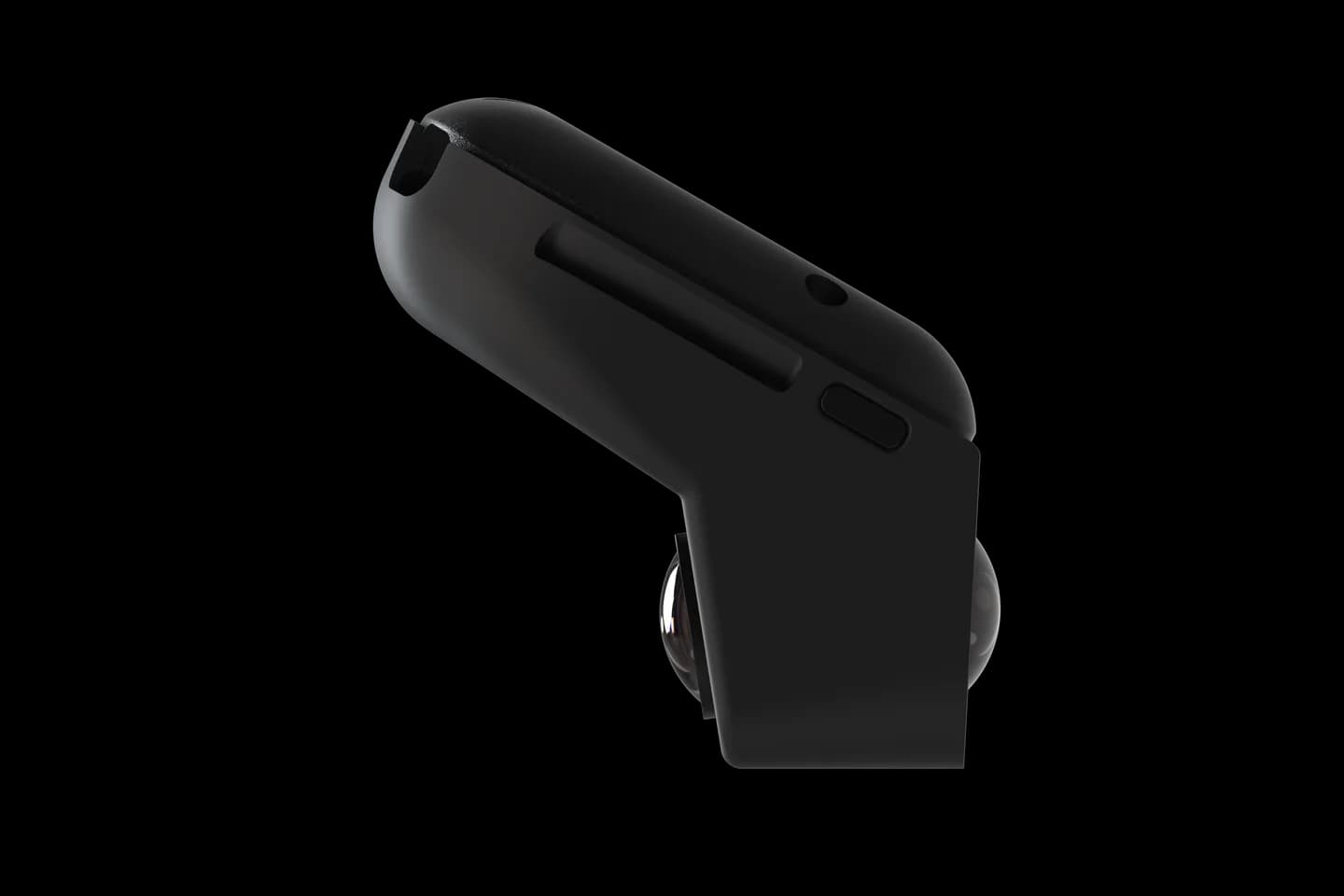
Takes five minutes. You need a GitHub account with one SSH key on it.
Make a key on your laptop or in your phone app, then add the public half under GitHub settings, SSH keys.
GitHub SSH keysOn the device open Settings, then Developer, and switch on Enable SSH. Add your own GitHub username under SSH keys.
The device downloads the public keys from your GitHub account one time. Re-enter the username after you change keys.
Join the device's hotspot, or put the device on your home Wi-Fi and read its address in the Network settings.
On the device's hotspot the address is always the same. Point your terminal at it with the key that matches your GitHub account.
ssh comma@192.168.43.1Only keys work; there is no password login. If your key is not the default one, add -i and the path to it. On home Wi-Fi, replace the address with the one shown under Settings, Network.
A phone app can make the key, hold it, and open the terminal. Add the app's public key to GitHub like any other.
Host 192.168.43.1 on the hotspot, user comma, port 22, key login. Join the device hotspot from the phone first, or use your home Wi-Fi address.
The community OpenpilotToolkit for Windows and Android wraps SSH with a key wizard, a file browser, and a fork installer. It targets the comma 3X; comma four support is unconfirmed.
The device has not got your key. Check the username is your own, re-enter it on Wi-Fi to fetch again, and use the matching private key.
Tap Remove next to the username and switch Enable SSH off. That clears the stored keys and stops the SSH service.
Settings names, the fixed hotspot address, and the key handling come from comma's docs and openpilot 0.11.1 at one checked version, plus the AGNOS server settings. Checked September 11, 2026.
Most owners SSH in to install a fork or to pull a drive log.
Photos: comma.ai. CommaGuide is an independent guide and is not affiliated with comma.ai.
Was this guide helpful?