Home / Guides / StarPilot
Setup Guide
Difficulty: Moderate
Devices: comma 3 / 3X / 4

StarPilot Installation Guide

Choose your device first, use the matching install URL, then follow the standard setup for Bolt, Volt, and other GM vehicles.

Choose your device

This is the only decision that matters up front. Pick your device, enter that URL on the comma device, and continue with the normal install flow.

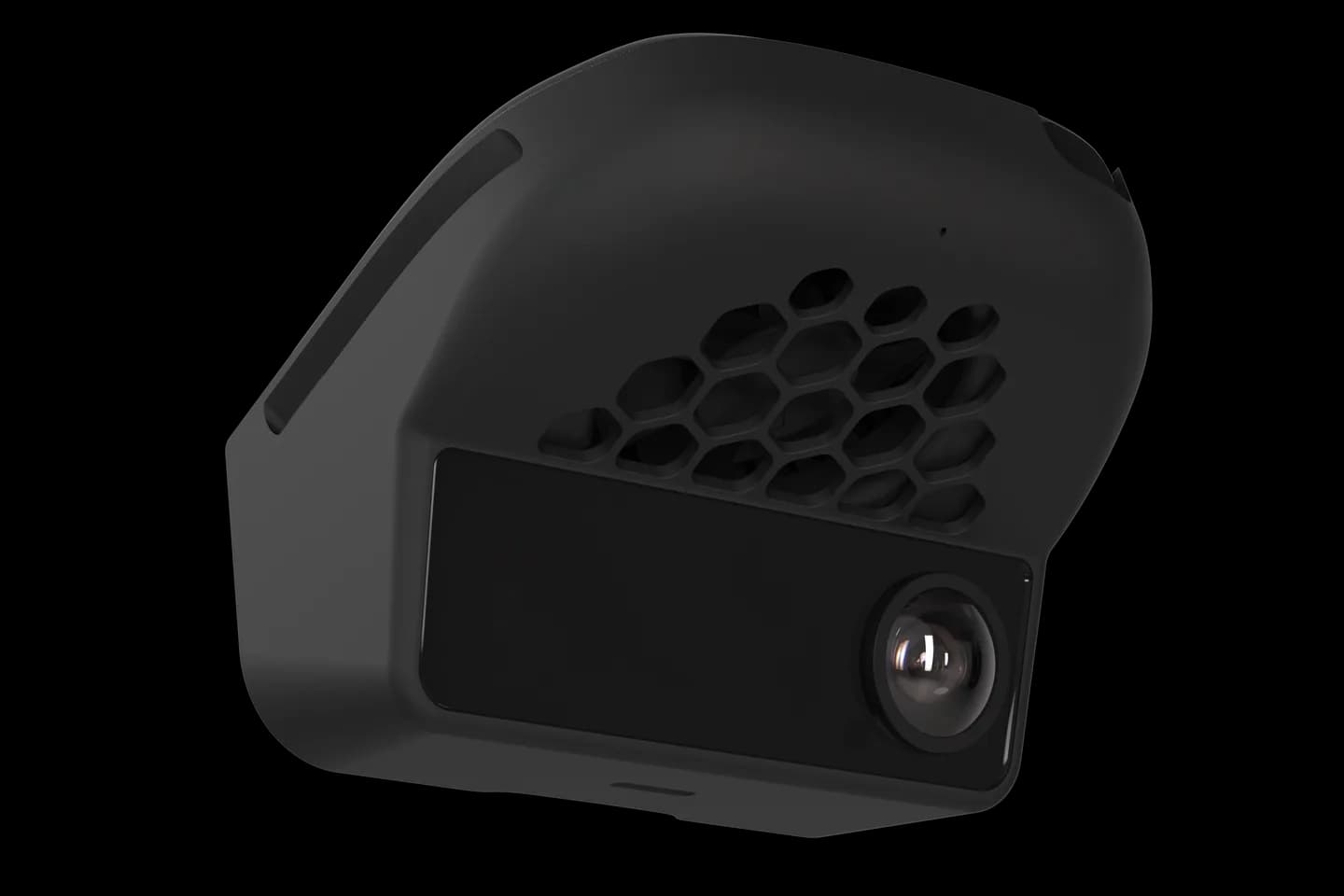
comma 4
Beta
Supported on the same installer as C3/C3X. C4 support is still in beta.
  • Use the same install URL as all other devices.
  • Beta quality: install when you have time to tinker.
  • Best for testing the new C4 support.
comma 3X
Stable Release
Stable install for most people and the best default for new purchases.
  • Best device for most StarPilot users.
  • Stable branch for daily use.
  • Best mix of maturity, support, and simplicity.
comma 3
Supported
Fully supported on the same installer as comma 3X.
  • Same install URL as all other devices.
  • Stable and actively supported.
  • Good option for existing owners.
Quick Notes
GM vehicles only
What is supported
StarPilot is built around GM setups and the install path is now device-aware.

Supported devices

  • comma 4 via the same installer as C3/C3X (beta support)
  • comma 3X via the stable installer
  • comma 3 — fully supported on the same installer

Typical vehicles

  • Chevrolet Bolt EV and Bolt EUV with LKAS
  • Chevrolet Volt using ASCM or SDGM setups
  • Other GM ASCM or SDGM cars
  • SuperCruise vehicles are not supported

Standard install steps

After choosing the right URL, the rest of the process is straightforward.

Step 1

Pick the install URL for your device

comma 4 uses the beta development URL. comma 3X and comma 3 both use the stable URL.

Step 2

Power the comma device and connect to WiFi

First boot needs WiFi. If the car is not near WiFi, bring the device inside and power it over USB-C.

Step 3

Open Custom Software

On the comma setup screen, tap Custom Software and enter the install URL for your device. All devices use the same URL.

Step 4

Install StarPilot

For the stable installer, choose Install unless you specifically need a special branch or recovery option.

Step 5

Finish setup and verify your car

Go through the normal setup flow, then confirm the correct vehicle fingerprint in Vehicle Controls.

Step 6

Set the essentials

Turn off Human Like Following and Acceleration. For radar-less or non-ACC Bolts, enable CEM with Slower Lead and Stopped Lead, then set openpilot Wants to Stop In to 8 seconds.

Bolt Owners
Fingerprint check required
Verify your Bolt fingerprint after install

Each Bolt model year has its own lateral tuning profile. If steering feels wrong after install, verify the selected fingerprint in Vehicle Controls.

The 2017 Bolt supports more steering torque than later years, so do not force the 2017 fingerprint onto a different model year.

For 2022-23 Bolts, keep the car in normal drive mode while using openpilot. Sport mode reduces steering torque.

Bolt hardware

Bolt setup mostly depends on whether the car already has factory ACC. Harnesses are commonly sourced from BearTechWorkshop. GM installs do not need a comma power cable.

Bolt EV / EUV without factory ACC
  • comma 3X recommended, but comma 3 and comma 4 are supported
  • GM Harness + Harness Box
  • Comma Pedal strongly recommended

Without a pedal, StarPilot uses CC Long / Redneck ACC for speed control. It works, but pedal support gives full throttle, regen braking in L mode, and better stop-and-go behavior.

Bolt EV / EUV with factory ACC
  • comma 3X recommended, but comma 3 and comma 4 are supported
  • GM Harness + Harness Box
  • Comma Pedal optional

Factory ACC setups can use the car's friction brakes and auto resume. Adding a pedal switches behavior toward regen-only braking, so decide based on the driving feel you want.

Volt hardware

Volt setups are more involved. The exact hardware depends on model year and whether the car came with factory ACC.

2017-18 Volt with factory ACC
  • comma 3X recommended, but comma 3 and comma 4 are supported
  • ASCM Harness Plus + Harness Box
  • SASCM
  • OBD-C Cable — 15 ft
  • Comma Pedal optional for 2018+ stop-and-go
2019 Volt with factory ACC
  • comma 3X recommended, but comma 3 and comma 4 are supported
  • SDGM Harness + Harness Box
  • SASCM
  • OBD-C Cable — 10 ft
  • Comma Pedal optional
Volt without factory ACC
  • comma 3X recommended, but comma 3 and comma 4 are supported
  • OBD-II Harness or GM Harness if the car has stock LKAS
  • ACC firmware flash recommended
  • Comma Pedal is possible, but limited and untested on Volt
For Volts without factory ACC, flashing the ECU to add ACC is still the recommended route. The usual community contact is pinballben in the StarPilot or FrogPilot Discord.

Troubleshooting and FAQ

Recovery steps, common setup issues, and where to get help.