Who this is for
Owners of a supported model that still says Car Unrecognized: Dashcam Mode.
comma fourcomma 3X
openpilot community wikiFix a problemAdvanced
Try the nightly-dev build first; if the car is still unknown, collect its firmware versions and submit them.
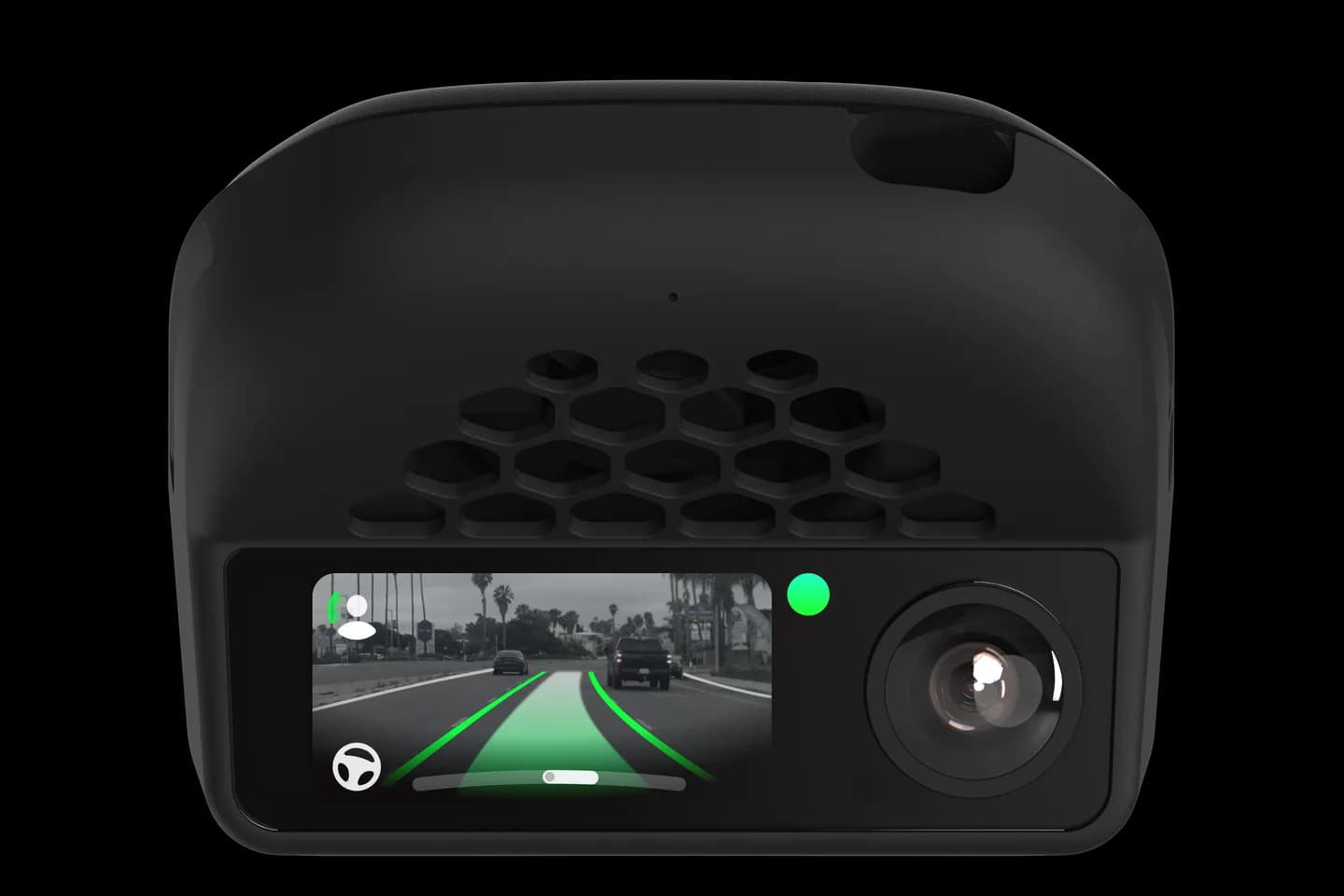
Owners of a supported model that still says Car Unrecognized: Dashcam Mode.
Your comma four or comma 3X reads firmware versions from the car to decide which model it is. When a version is new, openpilot shows Car Unrecognized and stays in dashcam mode. This guide shows how to test a newer build and get your firmware added so the car is recognised.
Check that the message is Car Unrecognized, not Check Connections.
Reinstall with commaai/nightly-dev and see if the car is found.
If not, gather the firmware versions the wiki describes.
Open a request or ask on Discord with the data.
The full wiki page belongs to openpilot community wiki. Checked on September 10, 2026.
Your car's firmware version is not in the list yet, often after a software update at the dealer. The car is supported, but this exact version is not known.
No; the device only records and does not steer or brake. Your car's own cruise control and lane keeping keep working as before.
Not at first; trying the nightly-dev build takes a few minutes and often works. Submitting firmware needs a GitHub account and some patience, or ask on Discord.
Related
Check your exact car first, then choose software and hardware.
Photos: comma.ai. Guide content belongs to openpilot community wiki. CommaGuide is an independent guide and is not affiliated with comma.ai or openpilot community wiki.
Was this guide helpful?