
Who this is for
Anyone asked to share a route on a forum or Discord after a problem drive.
comma fourcomma 3Xcomma three
sunnypilotFix a problemEasy
In comma connect, upload all logs, switch on Preserved, then share a public route link.
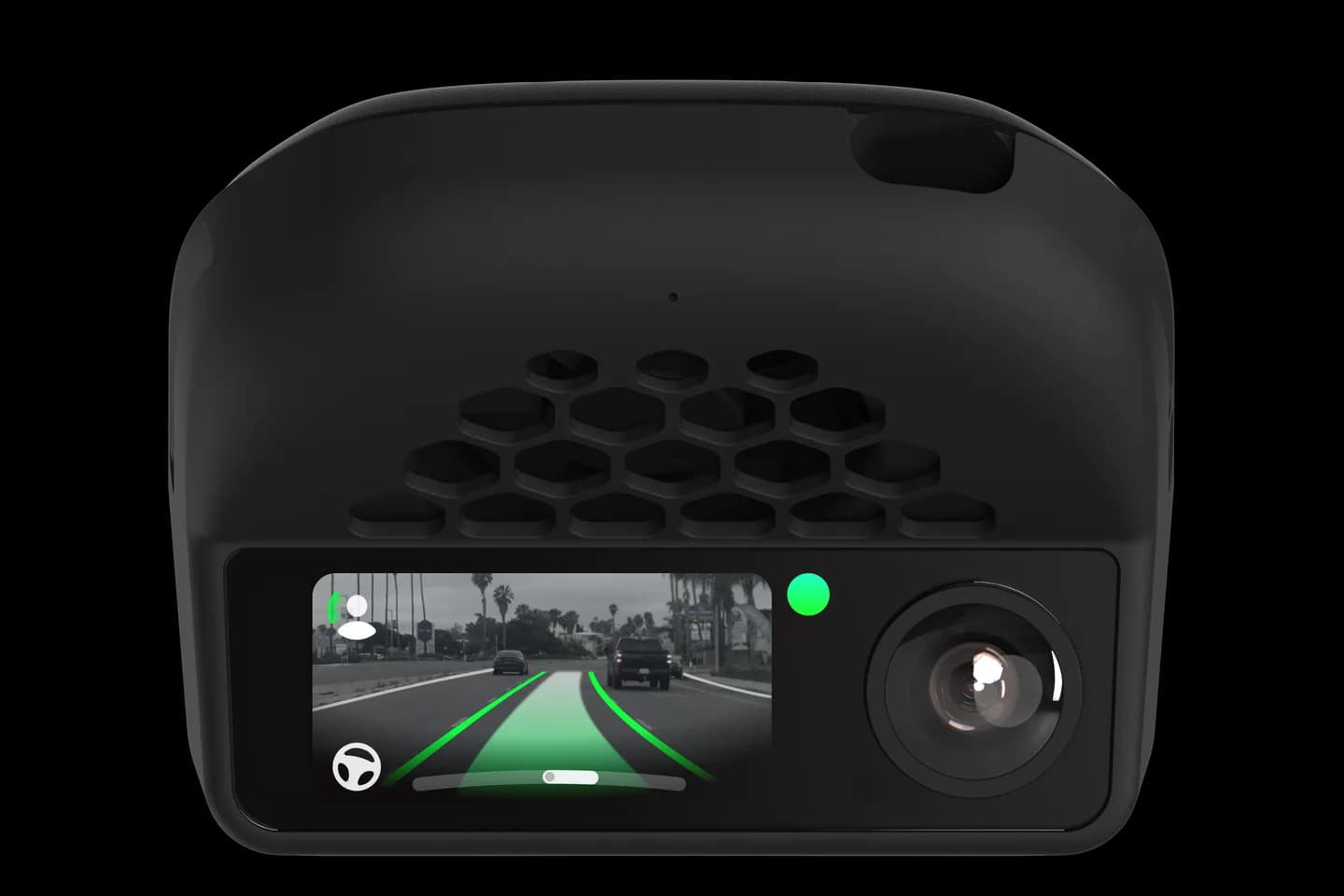
Anyone asked to share a route on a forum or Discord after a problem drive.
When something goes wrong on a drive, helpers on the forum or Discord need to see the logs. This guide shows how to upload every log in comma connect, mark the route Preserved and share a public link. Doing it right the first time saves days of back and forth.
Open the route in comma connect and upload all logs.
Wait for the upload queue to finish.
Turn on Preserved so the route is not deleted.
Choose a public route link or share the whole device.
Post the link where you asked for help.
The full written guide belongs to sunnypilot. Checked on September 10, 2026. Their last update was March 13, 2026.
The drive video, GPS location, speed and time to anyone with the link. Start and end at public places.
Reviewers need the raw logs; a partial upload cannot be analysed. Wait for the upload queue to finish.
Yes; share the whole device with a trusted email instead. That exposes every route on the device, not just one.
Related
Check your exact car first, then choose software and hardware.
Photos: comma.ai. Guide content belongs to sunnypilot. CommaGuide is an independent guide and is not affiliated with comma.ai or sunnypilot.
Was this guide helpful?