
Who this is for
Owners who need to read logs, install a branch by hand or debug a device.
comma fourcomma 3X
comma.aiFix a problemSome effort
Add an SSH key to GitHub, enable SSH on the device, enter your GitHub username, then connect as user comma on port 22.
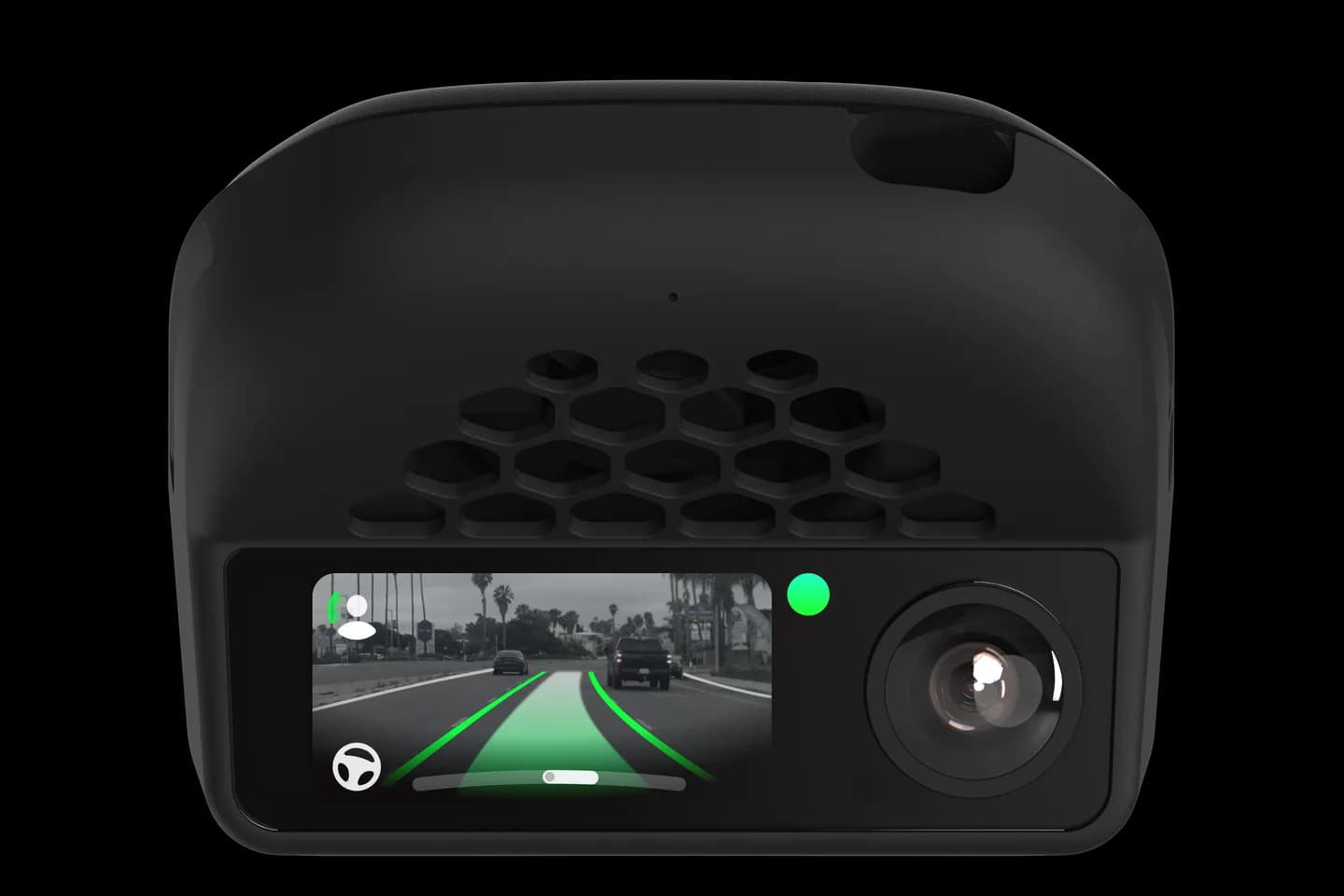
Owners who need to read logs, install a branch by hand or debug a device.
SSH lets you open a terminal on a comma 3X or comma four to read logs, install a branch or debug. The official comma page covers adding a GitHub SSH key, enabling SSH on the device and connecting on port 22. It also explains the serial console and ADB for when SSH is not enough.
Create an SSH key and add it to your GitHub account.
Enable SSH on the device and enter your GitHub username.
Connect from a terminal as user comma on port 22.
Use the serial console or ADB if SSH is not enough.
The full written guide belongs to comma.ai. Checked on September 10, 2026.
Yes; the device fetches your public keys from GitHub. Add an SSH key to your account before enabling SSH.
Username comma on port 22 using your GitHub key. Over the device hotspot the address is 192.168.43.1.
With a comma prime subscription you can connect through ssh.comma.ai. Without it you need the same Wi-Fi or hotspot.
Related
Check your exact car first, then choose software and hardware.
Photos: comma.ai. Guide content belongs to comma.ai. CommaGuide is an independent guide and is not affiliated with comma.ai or comma.ai.
Was this guide helpful?