
Who this is for
Ioniq 6 HDA2 2023-25, EV9 2024-26 and Ioniq 5 2026 owners on StarPilot.
comma fourcomma 3X
StarPilotMake my car workAdvanced
Set the car manually, turn on alpha speed control, then follow a two-press start routine every drive.
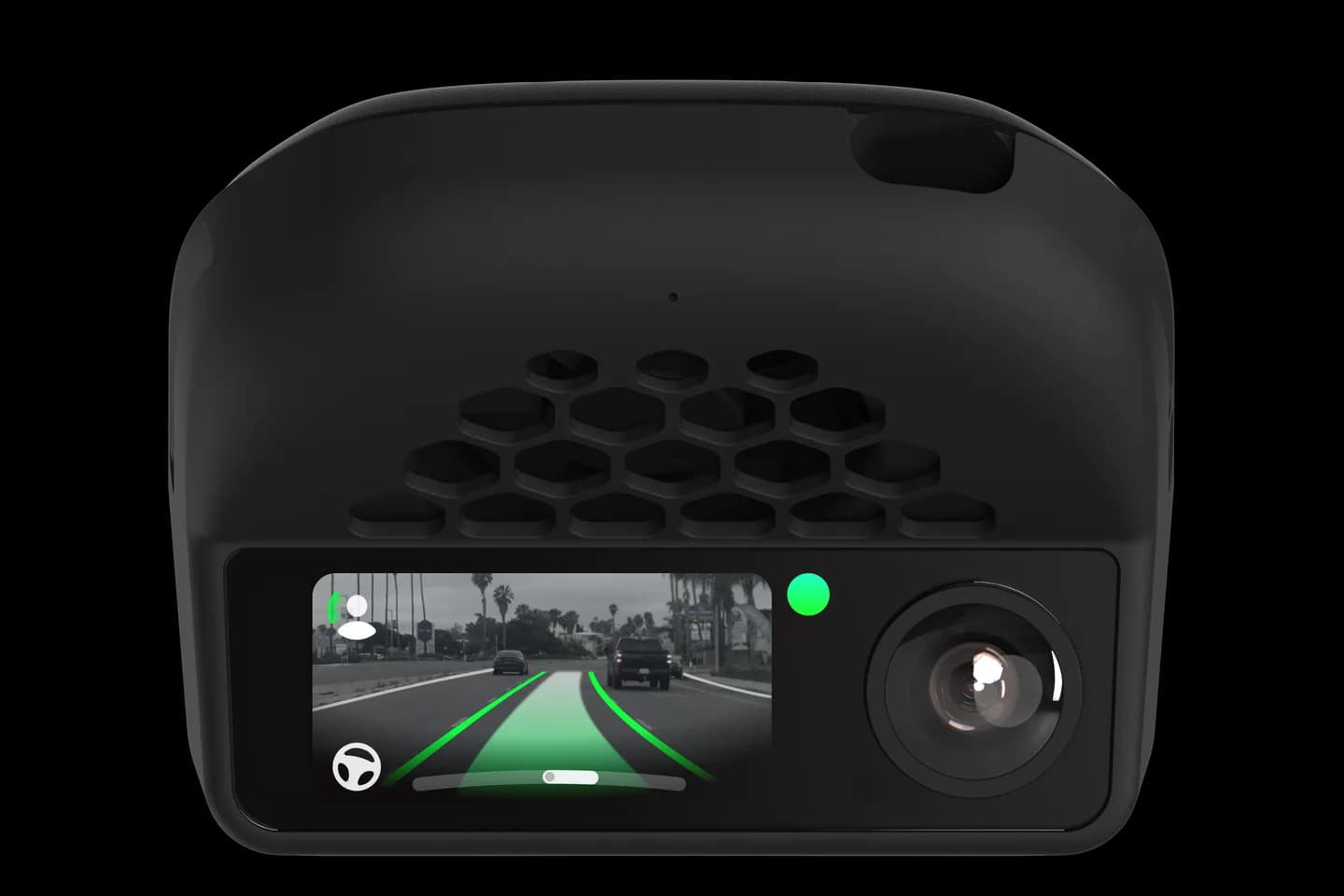
Ioniq 6 HDA2 2023-25, EV9 2024-26 and Ioniq 5 2026 owners on StarPilot.
On the Ioniq 6 with HDA2, the EV9 and the 2026 Ioniq 5, openpilot speed control normally will not switch on. StarPilot found a start-button routine that gets it working, together with manual car selection and the alpha toggle. It is fiddly every drive, but it is the only written procedure for these cars.
Turn off automatic car detection and set make and model by hand.
Enable openpilot speed control (alpha) in Developer settings.
Press start twice with your foot off the brake and wait for the device.
Press the brake and start once more; the dash should show the cruise ready state.
Use the cruise knob to engage speed control.
The full written guide belongs to StarPilot. Checked on September 10, 2026. Their last update was August 30, 2026.
So the device boots and shows on-road before the car fully starts. You then press the brake and start once more.
The page does not say. On other CAN FD Hyundai cars, openpilot speed control disables factory emergency braking, so ask before relying on it.
Restart the device, or switch the car and device fully off and repeat the start routine.
Check your car
Support changes by year and trim. Open your exact car before you buy anything.
Related
Check your exact car first, then choose software and hardware.
Photos: comma.ai. Guide content belongs to StarPilot. CommaGuide is an independent guide and is not affiliated with comma.ai or StarPilot.
Was this guide helpful?