
Who this is for
Owners with a device that will not boot, connect or drive, and prime subscribers with account issues.
comma fourcomma 3X
comma.aiFix a problemEasy
Reseat every cable, remove non-comma hardware, run the latest openpilot release, and reflash at flash.comma.ai before asking.
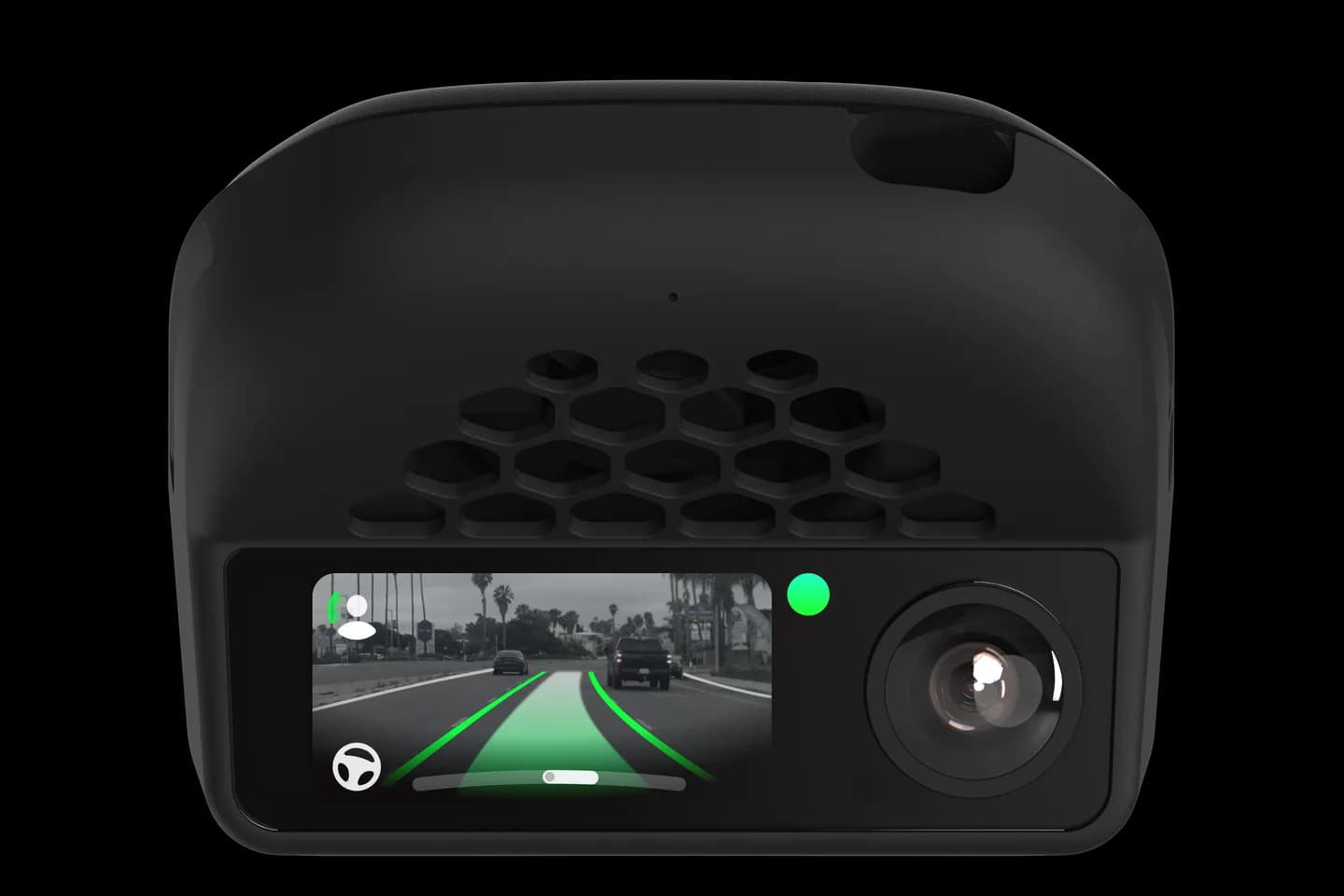
Owners with a device that will not boot, connect or drive, and prime subscribers with account issues.
Before comma support will look at a comma four or 3X, they expect a short checklist done first. This page lists it: reseat cables, remove non-comma parts, run the latest openpilot release and reflash if needed. Following it means a ticket gets read instead of closed, and often fixes the problem on its own.
Reseat all connections and check the setup guide.
Remove any third-party mount, harness or cable.
Update to the latest openpilot release or reflash the device.
Check nothing blocks the device's view of the sky for GPS.
Open a ticket with a photo of the device if it still fails.
The full written guide belongs to comma.ai. Checked on September 10, 2026.
No; support only troubleshoots stock openpilot on comma hardware. Reflash at flash.comma.ai and install the official release before opening a ticket.
It returns the device to factory state and wipes everything on it. You then reinstall openpilot from the setup screen.
Yes, comma can extend it to 90 days if you open a ticket with your order number. Extensions need approval.
Related
Check your exact car first, then choose software and hardware.
Photos: comma.ai. Guide content belongs to comma.ai. CommaGuide is an independent guide and is not affiliated with comma.ai or comma.ai.
Was this guide helpful?