Who this is for
Owners checking a harness letter by eye, or whose car is not on the comma shop list.
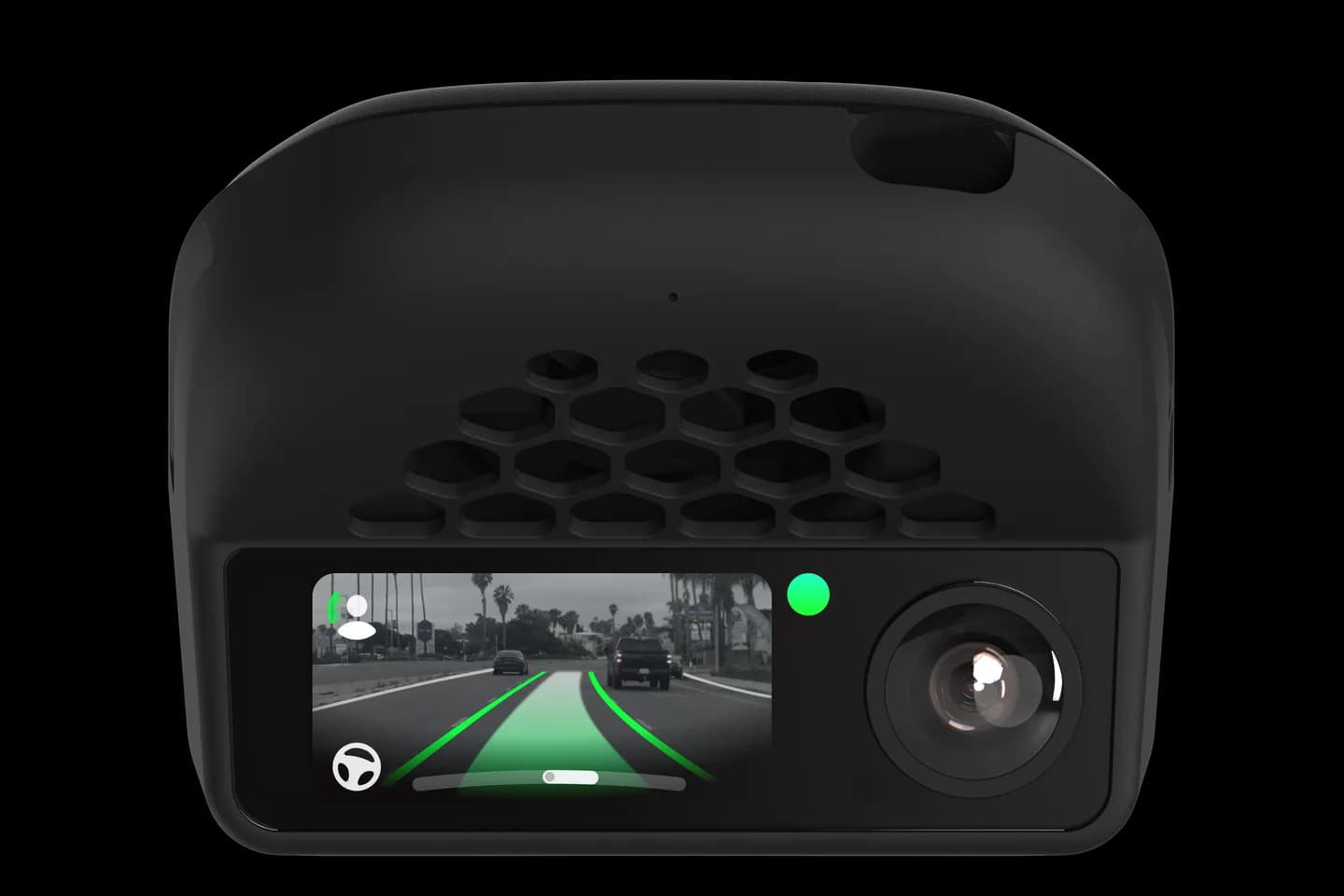
comma fourcomma 3X
openpilot community wikiHardware and wiringSome effort
Match your unplugged connector's notches and colour to a photo to learn the harness letter and its wiring diagram.
Owners checking a harness letter by eye, or whose car is not on the comma shop list.
Hyundai, Kia and Genesis use eighteen different camera connectors, and the wrong comma harness will not work. This wiki page has photos grouped by notch pattern so you can match yours in good light. Each photo names the non-HDA2 and HDA2 harness letter and links the wiring diagram.
Unplug the connector behind the camera cover.
Find the photo with the same notch pattern.
Note the non-HDA2 and HDA2 letters shown.
Open the wiring diagram to confirm.
Use the flip guide if the letter does not exist yet.
The full wiki page belongs to openpilot community wiki. Checked on September 10, 2026.
Yes; the wiki says one missing wire is fine. Match the notches and colour, not the exact wire count.
For the M and N connectors, the HDA2 versions S and T are not sold. You flip pins on the M or N harness instead.
It was still online in September 2026 but may be shut down. The sunnypilot harness finder covers the same connectors.
Check your car
Support changes by year and trim. Open your exact car before you buy anything.
Related
Check your exact car first, then choose software and hardware.
Photos: comma.ai. Guide content belongs to openpilot community wiki. CommaGuide is an independent guide and is not affiliated with comma.ai or openpilot community wiki.
Was this guide helpful?