
Who this is for
Owners whose car is not on the comma shop list or who want to double-check before buying.
comma fourcomma 3X
sunnypilotHardware and wiringEasy
Unplug the camera connector, match its colour and notches to the wiki photos, then pick the HDA2 or non-HDA2 version.
This is a live community thread The work is still moving. Read the newest posts before you follow older steps.
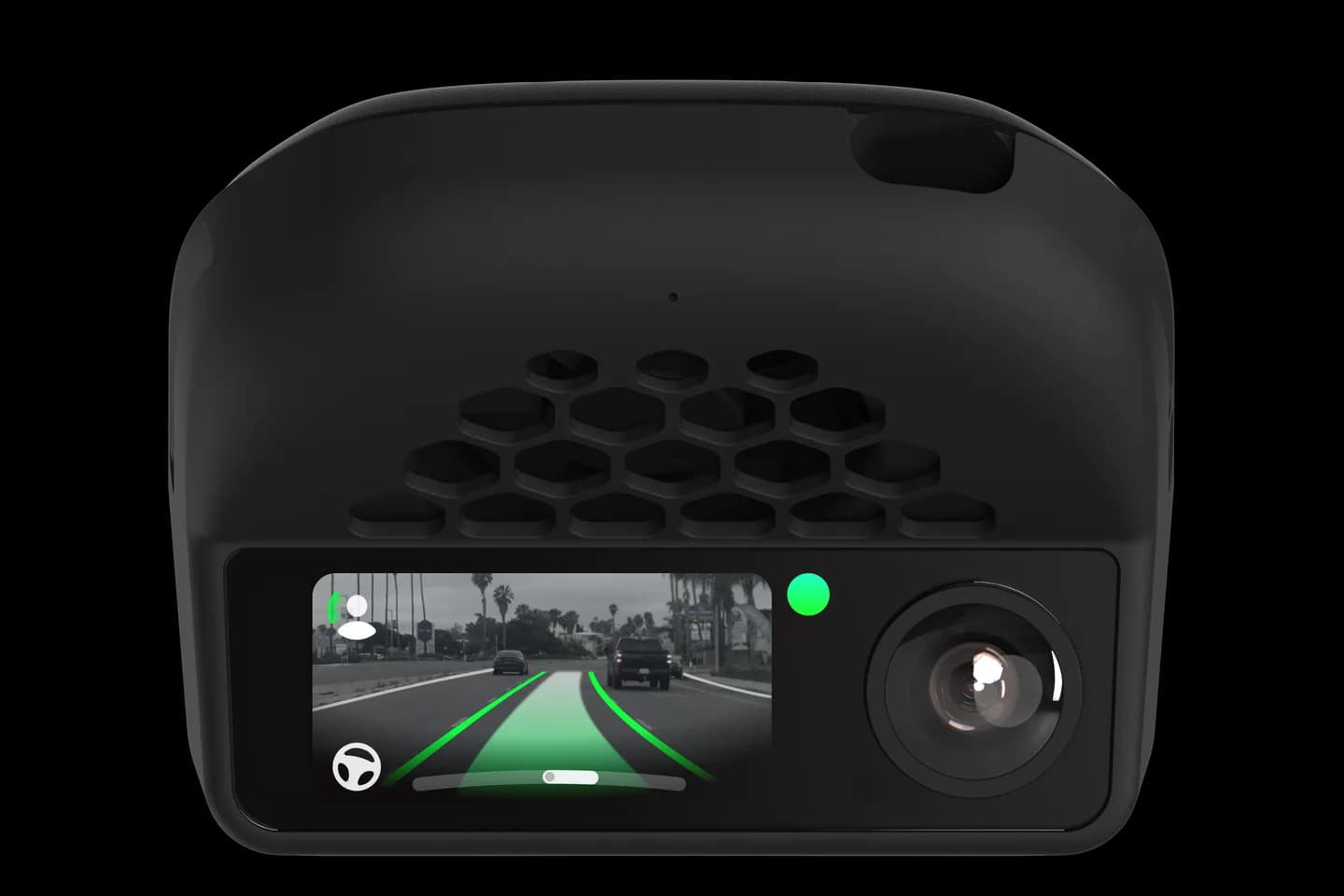
Owners whose car is not on the comma shop list or who want to double-check before buying.
Buying the wrong comma harness is the most common Hyundai, Kia and Genesis mistake. This sunnypilot guide shows how to unplug the camera connector and match its colour and notches to the wiki photos. You then choose HDA2 or non-HDA2 and know when a pin flip is needed.
Remove the camera cover near the mirror and unplug the camera connector.
Compare the connector colour and notch pattern to the wiki photos.
Check the wiring pattern; one missing wire is normal.
Choose the HDA2 harness if your car has HDA2, otherwise the non-HDA2 one.
If your version does not exist yet, read the wire-flip guide.
The full community thread belongs to sunnypilot. Checked on September 10, 2026. Their last update was August 7, 2026.
Behind the cover near the rear-view mirror. If you see more than one device, it is usually the largest one on the right.
Only HDA2 matters; HDA1 and no HDA use the non-HDA2 harness. HDA level does not affect whether openpilot works.
Korean and US cars can use different wiring for the same model year. Always check the connector rather than trust a list.
Check your car
Support changes by year and trim. Open your exact car before you buy anything.
Related
Check your exact car first, then choose software and hardware.
Photos: comma.ai. Guide content belongs to sunnypilot. CommaGuide is an independent guide and is not affiliated with comma.ai or sunnypilot.
Was this guide helpful?