
Who this is for
Toyota or Lexus owners with a C-SDSU who need newer firmware and are handy with wires.
FrogPilotHardware and wiringAdvanced
Splice two USB cables into a programming lead, then load the firmware with STM32CubeProgrammer 2.14.0.
Toyota or Lexus owners with a C-SDSU who need newer firmware and are handy with wires.
A smart DSU lets openpilot control speed and braking on some Toyota and Lexus cars. Newer firmware sometimes needs to go onto the module, and this guide shows how with a home-made cable. It is unofficial, fiddly and only for the C-SDSU, so read the warnings first.
Cut and join the two cables into one programming lead.
Connect the lead to the module and the computer.
Open the programmer, connect, and load the firmware file.
Refit the module and test in the car.
The full wiki page belongs to FrogPilot. Checked on September 10, 2026. Their last update was October 7, 2024.
The C-SDSU with TinyBear firmware. It does not apply to Erich's SDSU design; ask him for that one.
STM32CubeProgrammer version 2.14.0, which is free, plus the firmware files from TinyBear's GitHub page.
Yes; a wrong splice or grounding mistake can. The author suggests asking TinyBear before starting.
Check your car
Support changes by year and trim. Open your exact car before you buy anything.
Related
Check your exact car first, then choose software and hardware.
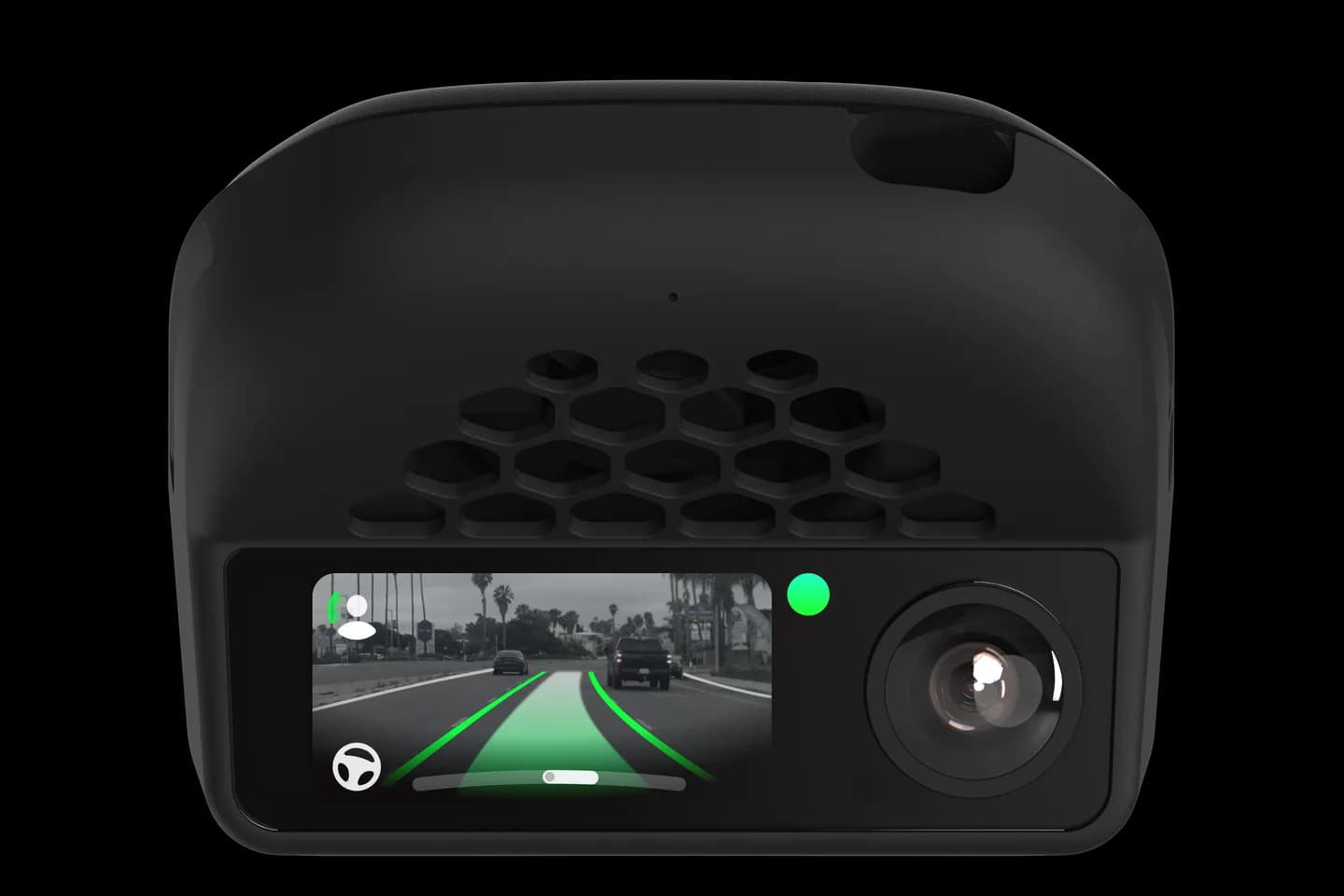
Photos: comma.ai. Guide content belongs to FrogPilot. CommaGuide is an independent guide and is not affiliated with comma.ai or FrogPilot.
Was this guide helpful?