Camping & travel
Better internet for the places you stop
Start with the connection you already have. Consider Starlink when your usual campsites have weak cellular service and you can provide an open sky view and enough power for your stay.
By Commaguide · Sources checked · Independent guide
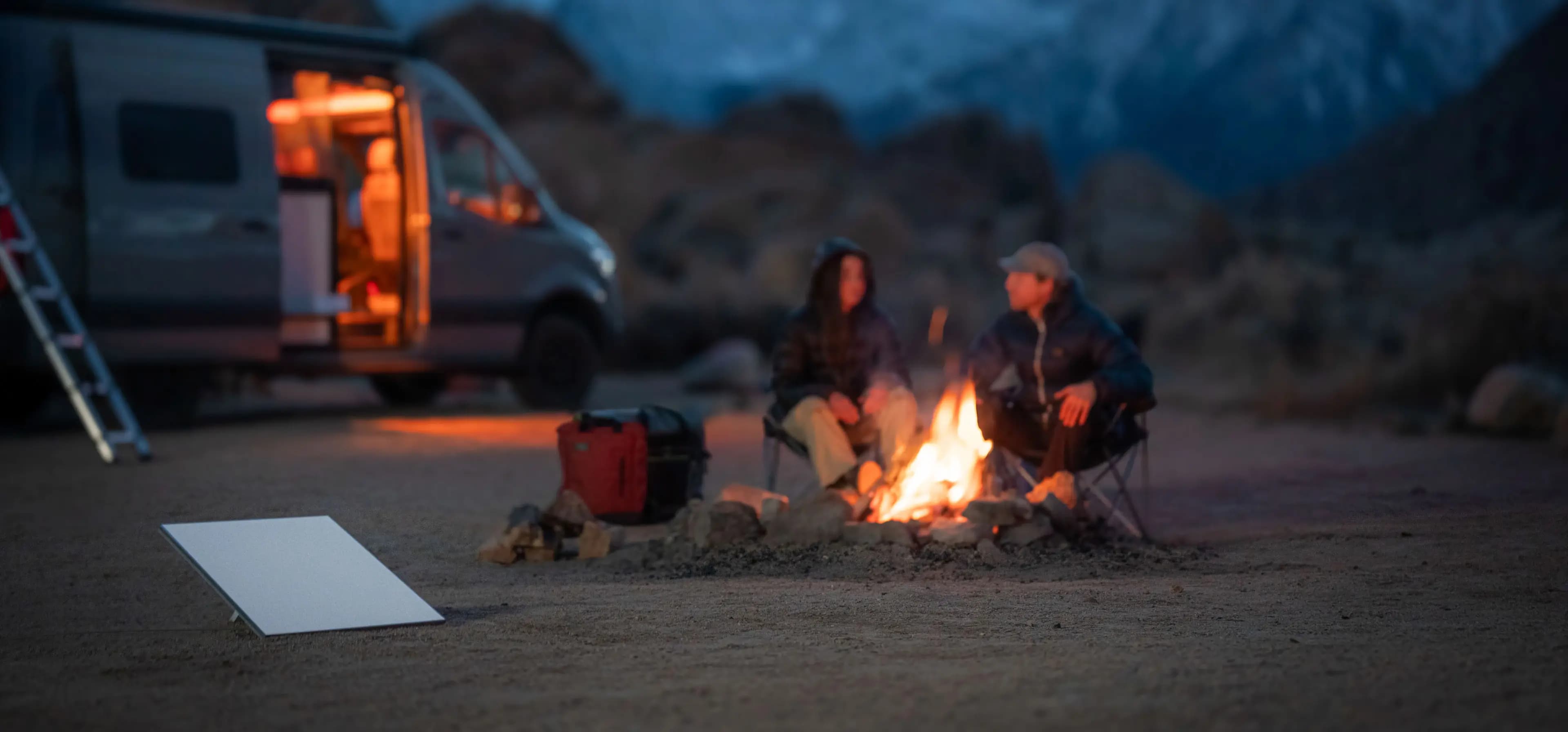
Test your actual calls and uploads at the destination.
Open sky matters more than a convenient spot under trees.
Budget power and data alongside the kit.
A practical way to compare the options
If your phone hotspot covers your work and entertainment, keep using it. Consider Starlink when you need internet somewhere your phone cannot connect. The comparison should use your normal tasks and destinations, not a generic speed ranking.
Starlink adds a satellite connection and separate equipment. It also adds the need for sky access and power. A wooded campsite can be an awkward place to install it even when cellular coverage is poor.
Mini specifications (PDF) ↗Mini Mobility Mount installation (PDF) ↗
Set up at camp before mounting it on the vehicle
Find the sky view
Use the Starlink app where the terminal will actually sit. Look for a safe position away from foot traffic and avoid cable runs across paths.
Set up while parked
Use the correct support for the terrain and follow the kit instructions. A ground setup is a useful first test before buying a vehicle mount.
Power the full session
Include the terminal, laptop and other loads in your battery budget. Confirm output ratings and recharge options.
Try the real workload
Test a video call, upload and streaming session while monitoring the app. Record interruptions before deciding the location is good enough for work.
Mini specifications (PDF) ↗Mini Mobility Mount installation (PDF) ↗Mini USB power requirements ↗
Choose data around your trip
The checked US Roam page lists 100GB, 300GB and Unlimited options. The limited high-speed plans continue at low speed after their allowance. Check your typical usage before deciding whether that fallback is acceptable for remote work or several people streaming.
Review country and in-motion eligibility before travel. A plan marketed for roaming is not a promise of unrestricted use in every destination. Standby Mode has a fee; confirm its current terms if you travel only occasionally.
Starlink US service plans ↗In-motion hardware, plans and regions ↗
Pack for the connection you need
- Terminal, original setup instructions and the exact support or mount.
- Compatible power adapter, cables and enough battery capacity.
- A way to secure and protect the cable without creating a trip hazard.
- Downloaded travel information and another communication option for times either connection is unavailable.
- A dry, secure place to stow the kit before moving if the installation is intended only for parked use.
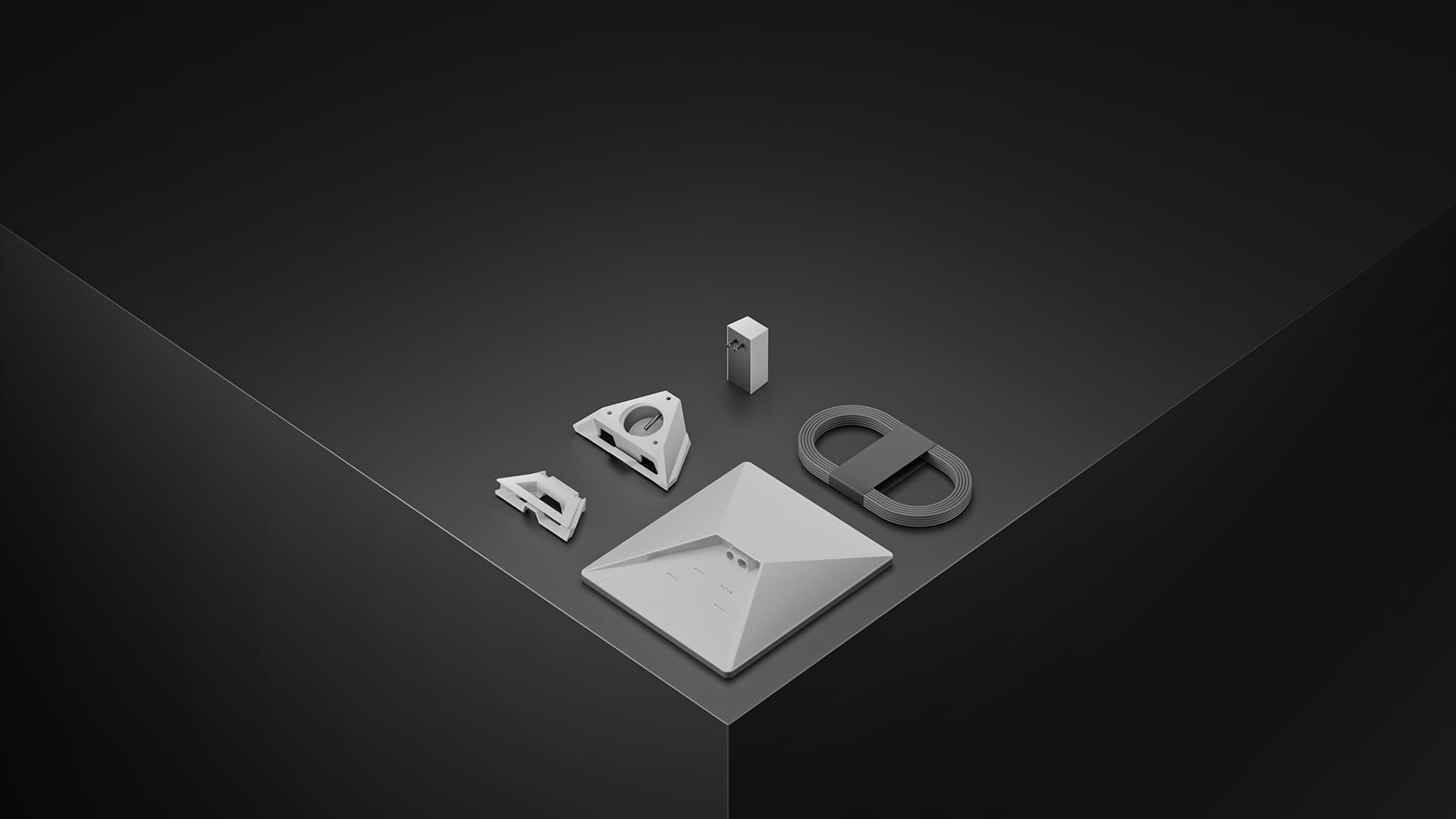
Mini specifications (PDF) ↗Mini Mobility Mount installation (PDF) ↗
Common questions
Is Starlink always faster than a hotspot?
We have not established a universal winner. Compare your actual coverage, plan and workload at the places you visit.
Will it work under trees?
Obstructions can interrupt the satellite view. Check the proposed position with the app and test there; do not assume a tree-covered pitch is suitable.
Can passengers use it on the road?
Only after the exact equipment, mount, service plan and location meet the current in-motion requirements. Complete setup and adjustments while safely stopped.
Sources and how we checked this guide
We read the linked official documentation and, where named, mount manufacturers’ instructions. Recommendations and estimates are our analysis. We have not road-tested these setups. Prices, plans and terms can change; check your actual order. Mount-maker statements apply to their products and are not Starlink certification.
Mini specifications (PDF) ↗Mini Mobility Mount installation (PDF) ↗Mini USB power requirements ↗Starlink US service plans ↗In-motion hardware, plans and regions ↗