Power & batteries
Get Mini’s power setup right
For Starlink’s Mini USB-C cable, choose a USB PD source rated for 100W at 20V/5A. A USB-C socket alone does not tell you that it can supply the right power.
By Commaguide · Sources checked · Independent guide
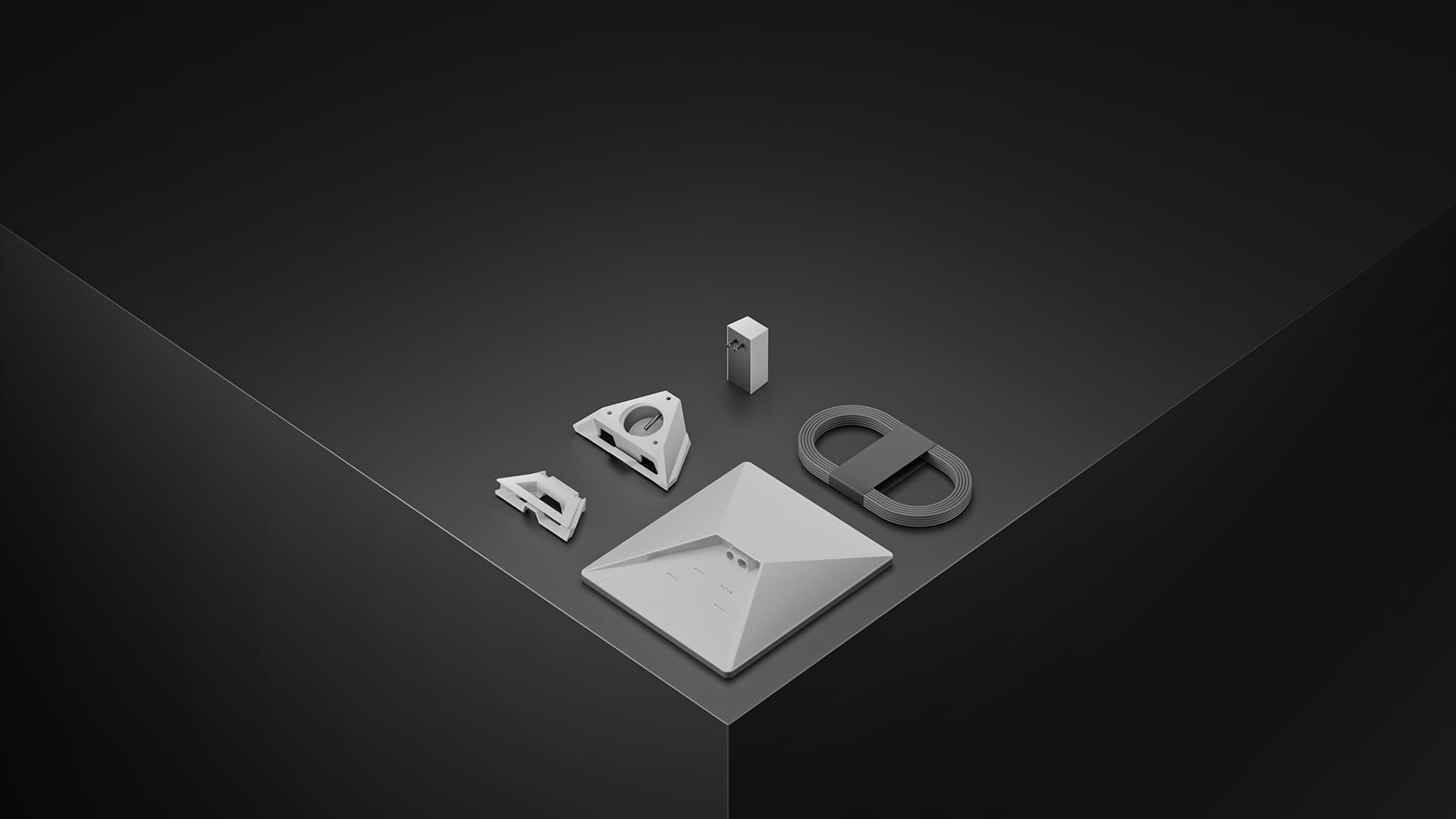
100W, 20V/5A USB PD source required.
Mini’s published average consumption is 25–40W.
Supply rating is not the same as continuous consumption.
Check the port, charger and cable together
Starlink’s dedicated USB power FAQ specifies a minimum 100W, 20V/5A source and says 65W or lower is not sufficient. Match the requirement on the individual output port, rather than the charger’s combined multi-port marketing total.
Use the cable intended for Starlink Mini. When evaluating a car charger, check its output at your vehicle’s actual input voltage and whether connecting another device reduces the available output.
Using a vehicle socket
Mini’s published DC input is 12–48V, 60W. That input specification alone does not establish that an arbitrary 12V lead, plug or socket is suitable. Choose an adapter and cable expressly intended for Mini and follow their instructions.
Check the vehicle manual for the socket’s power limit and whether it stays live after the car shuts off. For long parked sessions, plan a separate suitable battery instead of assuming the starter battery can run the setup indefinitely. Do not leave an engine running in an enclosed space to power internet equipment.
Estimate battery life in watt-hours
Start with usable battery energy divided by power draw: a hypothetical 100Wh of usable energy divided by 25–40W gives roughly 2.5–4 hours. This is arithmetic using Starlink’s published average range, not a tested runtime or a guarantee.
Real runtime can be shorter because of conversion losses, temperature, startup demand, reserve limits and other devices sharing the battery. Confirm that the battery’s output meets the required voltage and wattage, not just that it has enough stored energy. Plan extra capacity if losing the connection matters.
If Mini restarts or will not power up
Verify the output label
For the official USB-C accessory, confirm 100W and 20V/5A on the port you are using.
Check shared power
Disconnect other loads for diagnosis and review the charger’s port-sharing limits.
Inspect connections
With power disconnected, look for damage and check that the correct connectors fully seat. Avoid pinched cable runs.
Compare with the supplied setup
If available, test with the kit’s supplied power equipment in a safe stationary location. That helps separate a vehicle-adapter problem from a terminal problem.
Common questions
Why do I need a 100W source if Mini averages 25–40W?
Average consumption describes usage; the specified source rating describes the supply Starlink requires for its USB-C cable. Follow the source requirement when purchasing.
Will any car USB-C port work?
No. Check its documented output. Many ports do not advertise the 100W, 20V/5A profile required by Starlink’s accessory.
Can I use a power bank?
A suitable one can be considered if its output and cable meet Mini’s requirements. Calculate energy in Wh and leave margin; we have not tested or endorsed a particular battery here.
Sources and how we checked this guide
We read the linked official documentation and, where named, mount manufacturers’ instructions. Recommendations and estimates are our analysis. We have not road-tested these setups. Prices, plans and terms can change; check your actual order. Mount-maker statements apply to their products and are not Starlink certification.