Choose hardware
Starlink Mini or a home kit?
Mini is a compact starting point for a portable setup, with Wi-Fi built in. For a home installation, compare the exact Standard or other kit offered at your address, including its router and mounting requirements.
By Commaguide · Sources checked · Independent guide
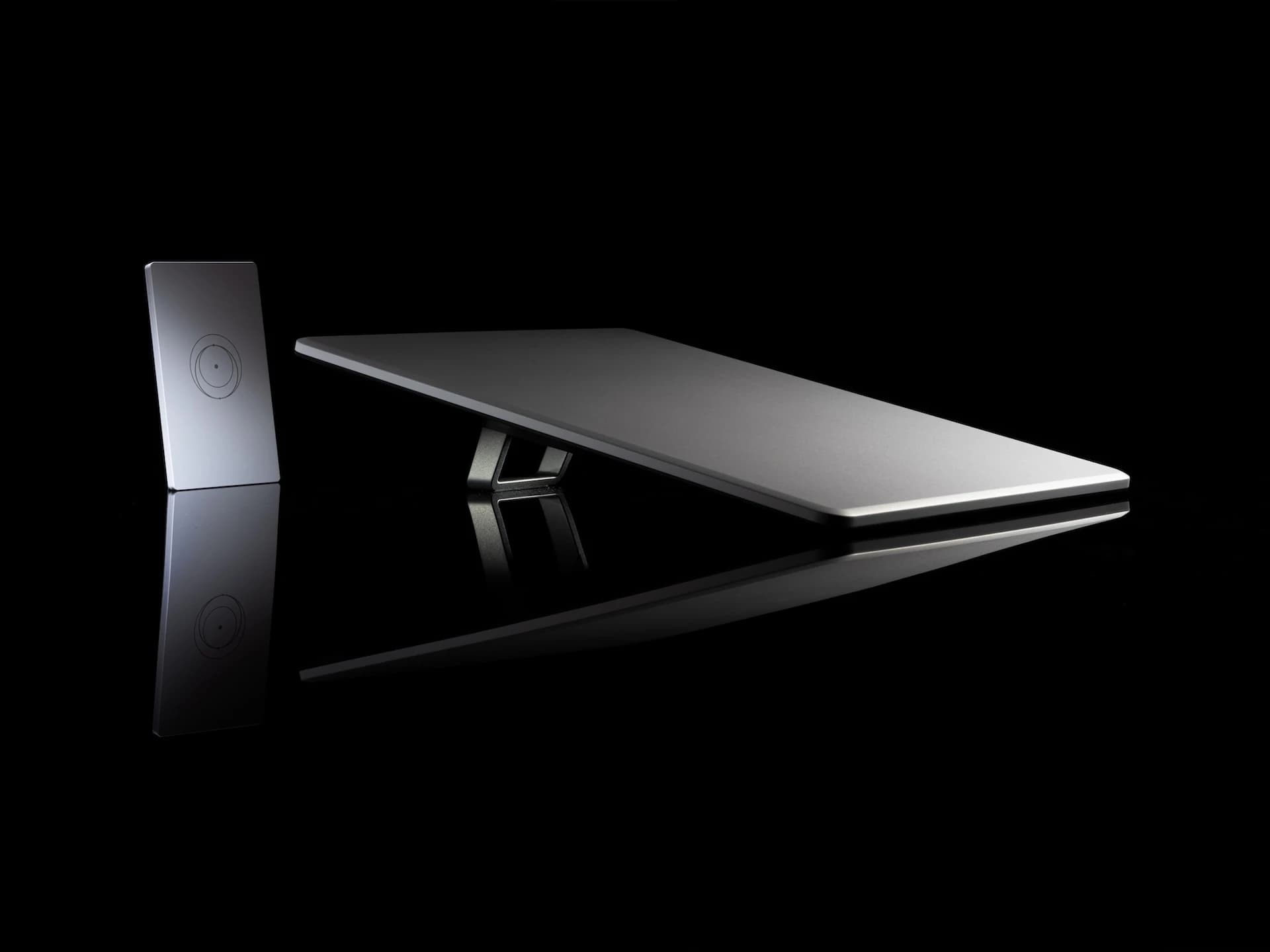
298.5 × 259 mm before adding a mount.
1.10 kg for the terminal alone.
Hardware choice and service-plan choice are separate checks.
What makes Mini convenient
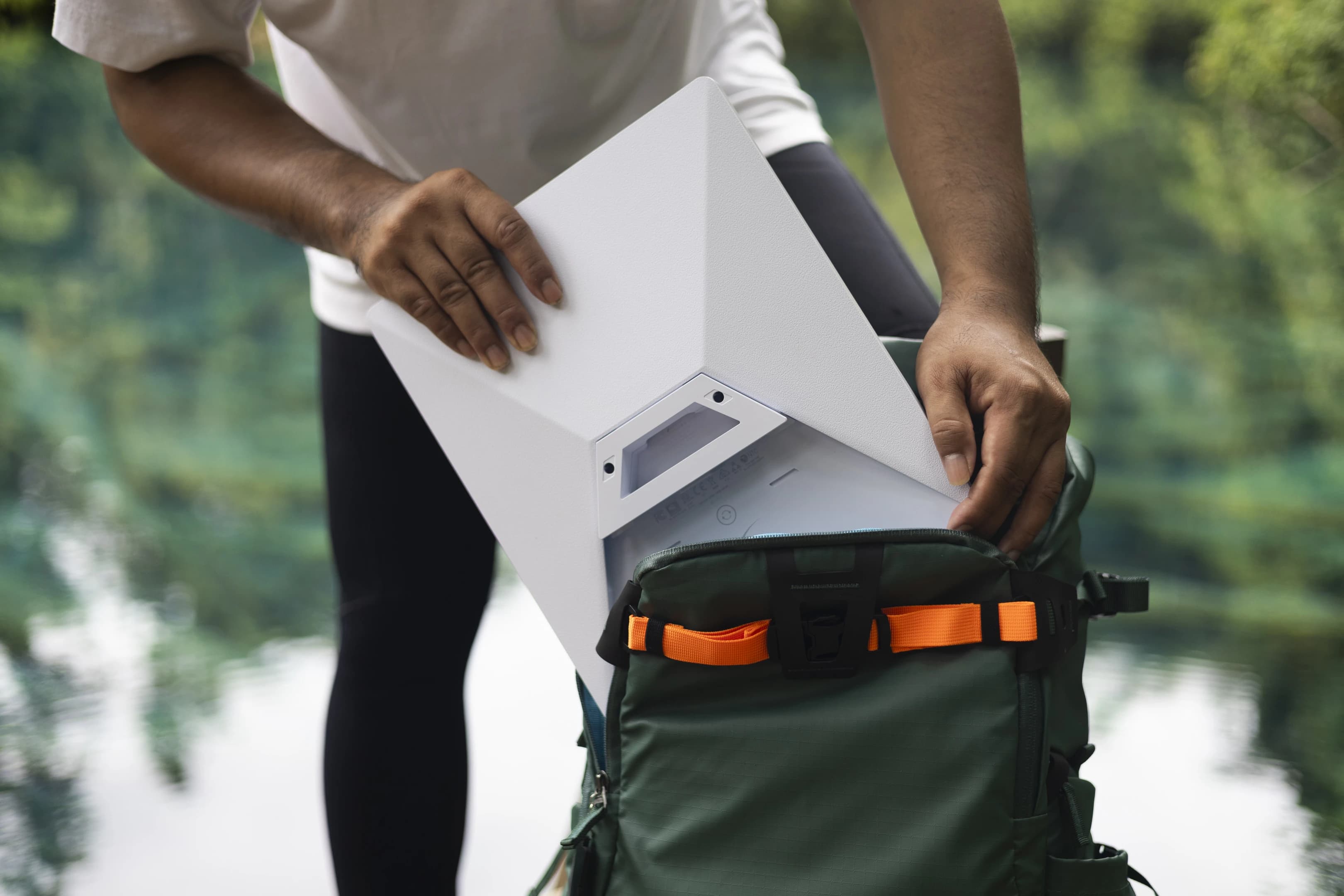
Mini integrates Wi-Fi into the terminal and has a published average draw of 25–40W. Its small footprint makes it a useful candidate for a portable kit, but a vehicle mount and power setup add size, weight and cost.
Our recommendation: start by evaluating Mini if carrying the kit and powering it on trips are your main priorities. Do not treat that recommendation as a claim that it fits a particular car.
For home use, check the exact kit in the offer
Starlink’s home offers depend on the service address. Compare the full kit, router coverage, cable route and mounting location shown for your order. “Standard” in an older review does not identify every current home-hardware revision.
Names matter: the former Standard Kit is now called Standard 4 X; the Standard kit with Router Mini is called Standard 4. The newer V5 is available in select areas and is explicitly not intended for in-motion use. Do not transfer a Mini or Standard 4 X vehicle-use statement to V5.
Starlink’s Mini-versus-Standard 4 X comparison lists integrated Wi-Fi for Mini and Router 3 for Standard 4 X. It recommends Mini for basic applications and portable use, and Standard 4 X for higher-demand everyday use. These are manufacturer descriptions, not our measured speed results.
Starlink Residential ↗Mini and Standard 4 X compared ↗Starlink Standard kit names ↗Starlink V4 and V5 hardware differences ↗
Four questions that make the choice easier
- Will this stay installed at home or travel between locations?
- Can the intended power source supply the exact kit and cable?
- Does the mount fit the available space, including the connectors?
- Does the selected service plan permit your intended locations and use?
Mini specifications (PDF) ↗In-motion hardware, plans and regions ↗Starlink US service plans ↗
Do not choose from one speed-test screenshot
A useful comparison needs the same location, sky view, plan and test conditions. We have not performed that head-to-head test. The plan, network conditions and installation can matter alongside the terminal.
If you are replacing home internet, test your normal work calls, uploads and streaming from the actual rooms you use. For travel, test the complete portable setup while parked before depending on it away from home.
Starlink US service plans ↗Mini Mobility Mount installation (PDF) ↗
Common questions
Does Mini need a separate Wi-Fi router?
Mini has integrated Wi-Fi. Whether you need additional networking equipment depends on the coverage and wired connections your setup requires.
Will a Mini mount fit a Standard dish?
Do not assume so. Buy a mount explicitly listed for the exact kit model; this guide’s sunroof setup is for Mini.
Is Mini always the cheapest complete setup?
No universal price comparison is claimed. Include the current kit offer, service, mount and power accessories for each option.
Sources and how we checked this guide
We read the linked official documentation and, where named, mount manufacturers’ instructions. Recommendations and estimates are our analysis. We have not road-tested these setups. Prices, plans and terms can change; check your actual order. Mount-maker statements apply to their products and are not Starlink certification.
Mini specifications (PDF) ↗Starlink Residential ↗Mini and Standard 4 X compared ↗Starlink Standard kit names ↗Starlink V4 and V5 hardware differences ↗In-motion hardware, plans and regions ↗Starlink US service plans ↗Mini Mobility Mount installation (PDF) ↗