A supported comma device
BluePilot bp-7.0 documents comma four and comma 3X. StarPilot also documents comma 3. Choose the branch for the device you own; support for one device does not transfer to another.
Compare comma devicesFord F-150 Lightning2022–2025Community software
Get lane-centering assistance with BluePilot or StarPilot. Start with your truck’s equipment, then choose the device, Lightning-specific connection kit and software branch.
The fit to check2022–2025 Lightning with Co-Pilot360 Assist 2.0. These are community software options; this is not an official comma vehicle listing.
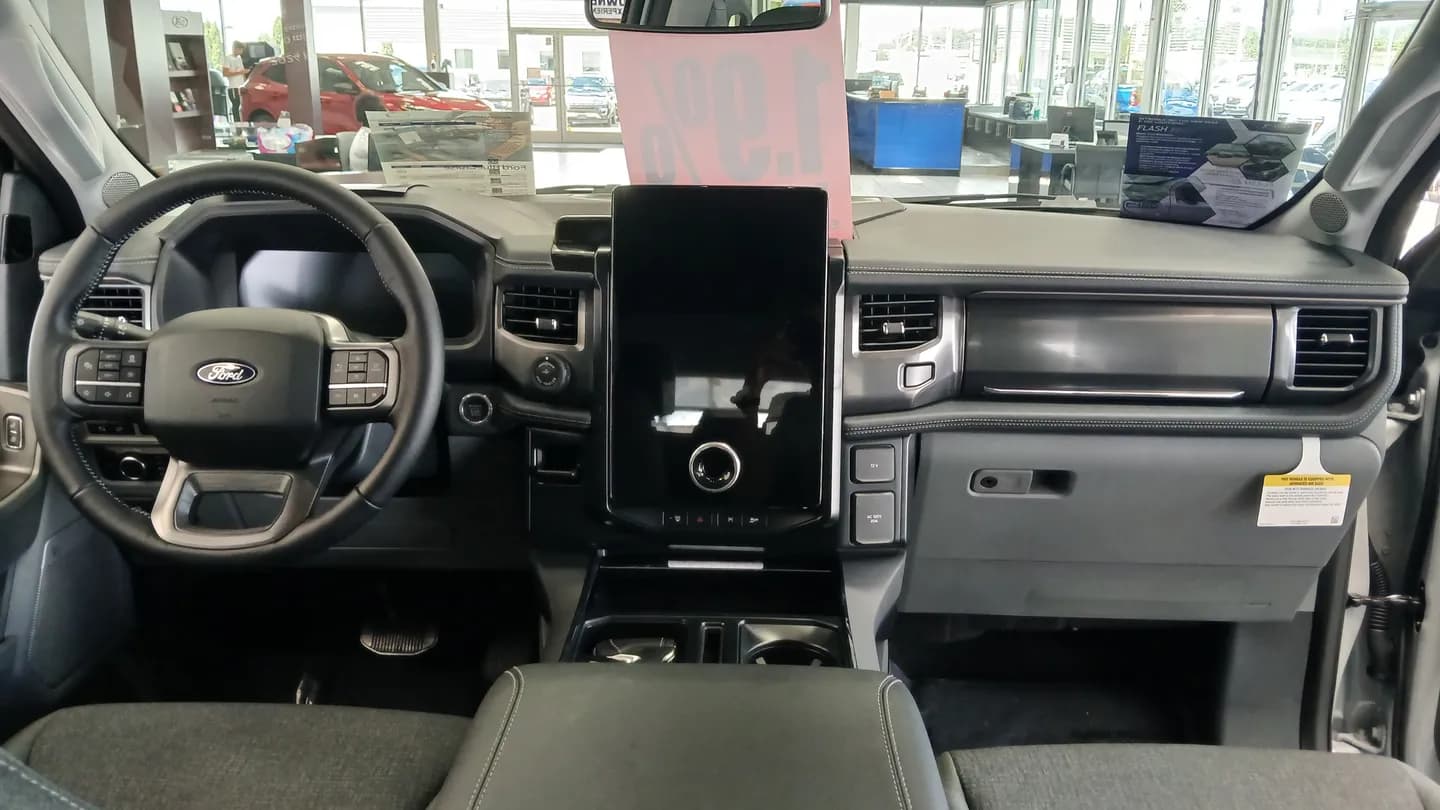
Ford BlueCruise is the factory hands-free highway system. BluePilot is separate community software running on comma hardware. Compare what changes, what still uses factory adaptive cruise, and the costs before choosing your setup.
Compare Ford BlueCruise vs commaYes, comma works while towing with the right setup. It’s an amazing upgrade for long highway drives.
Stay especially vigilant and ready to steer or brake. You remain responsible for your truck and trailer.
Match your truck’s year, equipment and software before buying. Confirm your trailer setup with the software project and follow your vehicle’s towing instructions.
Make long drives and towing easier in your Ford F-150 Lightning
Check the model year and factory adaptive cruise with lane centering. A trim name, ordinary cruise control or lane-departure warning alone does not establish compatibility. Ask the project about your exact configuration, especially if equipment has been retrofitted.
The reviewed sources cover 2022, 2023, 2024 and 2025. Do not carry the gasoline F-150’s year limits over to the Lightning, or assume a 2026 truck works.
A 2025 Lightning is different from a 2025 gas or PowerBoost F-150. BluePilot’s public setup does not enable driver assistance on those newer gas and hybrid trucks. Check Ford support and the TRON limit
BluePilot bp-7.0 documents comma four and comma 3X. StarPilot also documents comma 3. Choose the branch for the device you own; support for one device does not transfer to another.
Compare comma devicesThe Lightning is a CAN-FD Ford. Confirm the Ford Q4 harness, power accessories, mount and long cable route as a complete kit. The IPMA camera module connection is in the driver’s footwell.
BluePilot’s current instructions require its Lightning coupler. It is also offered inside a sliding dock. A generic USB-C coupler is not the same item; confirm the arrangement with StarPilot if choosing that fork.
Check the Lightning couplerBudget for the device, complete connection kit, Lightning coupler and shipping. Check current seller totals; do not assume a standard F-150 kit includes every Lightning part. The coupler is sold as experimental hardware.
BluePilot adds Ford-focused steering settings to your comma device. Use bp-7.0 on comma four or comma 3X with the Lightning-specific coupler and complete Q4 kit. Factory adaptive cruise handles speed by default.
BluePilot branches and installationStarPilot lists support for the 2022–2025 Lightning. Its Ford work includes adaptations from BluePilot, with changes maintained by StarPilot. Send StarPilot setup questions to its own community.
StarPilot branches and installationFactory adaptive cruise handles speed by default in both reviewed Ford implementations. Software gas and brake control is an optional alpha setting. Check its requirements before enabling it; a larger driving model does not add missing vehicle control.
Give the project your exact year, equipment, device and intended branch. Confirm the Q4 harness, Lightning coupler, power accessories and cable type before ordering.
See exact support and sourcesUse the project’s F-150/Lightning installation video and coupler instructions. Mount the device and route the long cable as instructed, keeping it clear of pedals, airbags and vehicle controls.
Project-linked installation videoFollow the BluePilot or StarPilot installation guide, including its prerequisites. Complete setup, training and calibration. Start with the project’s default settings.
Resolve persistent vehicle warnings or connection errors with the project before driving with assistance. For the first drive, use an easy route and stay ready to steer or brake.
BluePilot and StarPilot have community support for the 2022–2025 F-150 Lightning with Co-Pilot360 Assist 2.0. Confirm the exact truck, device, branch and Lightning-specific hardware with the project before buying. Other model years are not verified here.
BluePilot documents bp-7.0 for comma four and comma 3X. StarPilot documents its StarPilot release branch for comma four, comma 3X and comma 3. Those device lists are project documentation, not proof of a road test on every Lightning and device combination.
Factory adaptive cruise controls speed by default in BluePilot and StarPilot. Both offer optional alpha software speed control with separate requirements and limitations.
No. This is openpilot-based driver assistance from community projects, not Tesla software. Keep watching the road and remain ready to steer or brake at any time.
Checked 2026-10-27. Use the project’s Lightning instructions and confirm the complete connection kit before ordering. The sources below describe the vehicle, device and branch scope; this guide does not claim an on-road test of every setup.
Keep the car, hardware and software requirements together.
Was this guide helpful?